





- Posted by:
- Posted on:
- Category:
BeamNG.driveBeamNG.drive - System:
Unknown - Price:
USD 0
BeamNG.drive offers a highly customizable and extremely flexible User Interface that can adapt to anybody’s preference.
The UI Layout is composed of various Apps, each with its own scope (ie. Tachometer, Messages, etc.). The game comes with a number of UI Apps.
The layout can be edited while using the Freeroam game mode: Apps can be moved, resized, removed and added from the Apps library.
UI Layouts
Pre-defined layouts will be loaded depending on your activities. For example, for bus routes, you’ll see additional apps for stops.
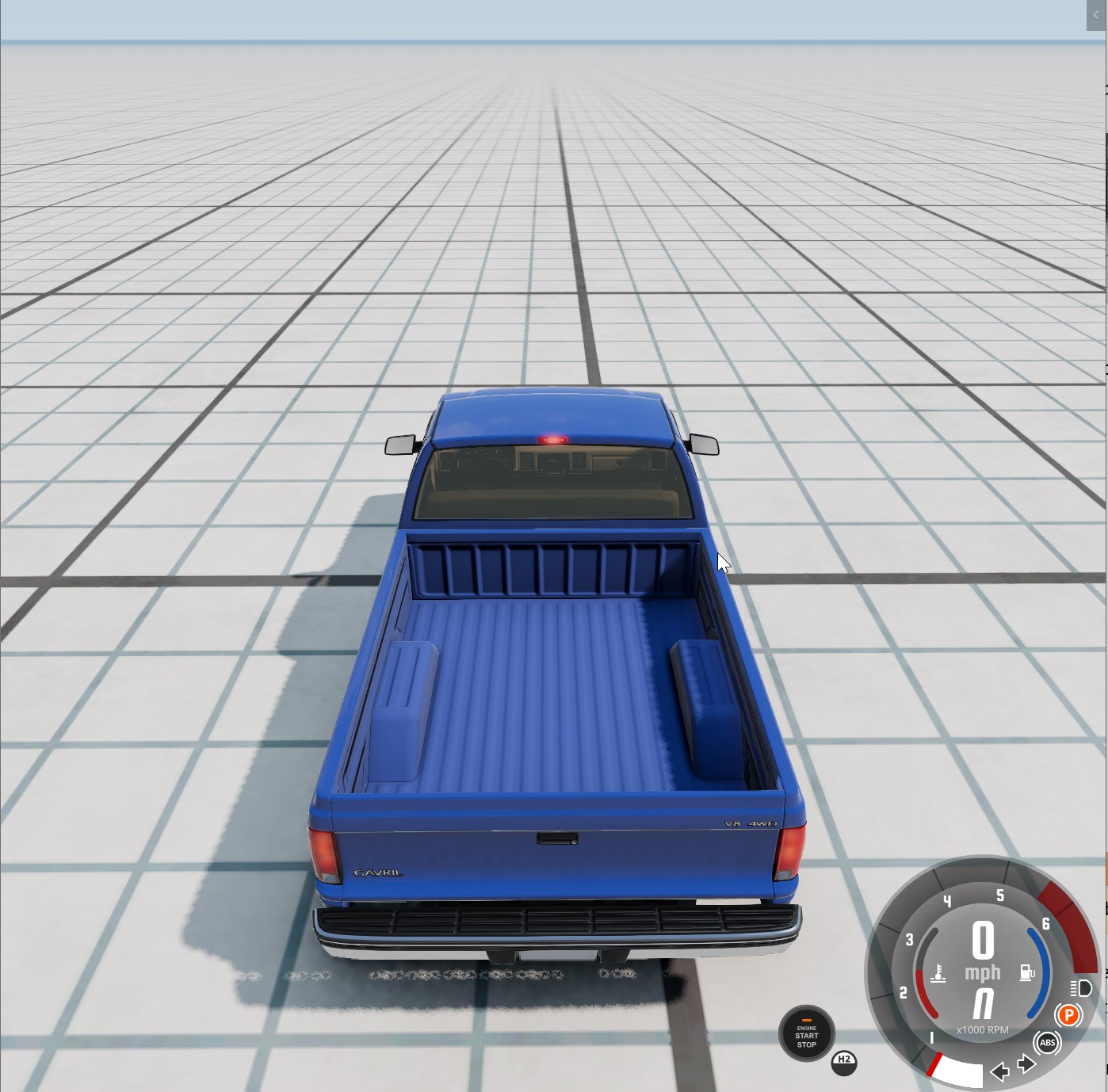
Example of default freeroam UI layout
Press ESC to open the sidebar menu while in Freeroam game mode, then click the UI Apps to enter the UI Edit mode.

- Reset App Layout: Use this to discard any edit made to the layout and return to default
- Select layout: You can select preferrable layout for your current activity
- Edit Apps: From here you can resize, remove, move your apps
- View Apps: Check how your layout looks like
- Add App: Access the Apps menu, where it is possible to choose new Apps to add to your layout
Editing the UI Layout

In this mode, Apps can be moved, resized and also removed from your layout.

The Hide in cockpit checkbox will prevent the apps from being visible when using the Driver camera mode.
Adding new Apps
Click the Add App button that shows in the center of the screen, while in UI Edit mode. This will open the Apps menu, where all available apps are listed
Click on any app to add it to your layout.

Since only one instance per app is permitted, it is not possible to add an app that already exists on your UI
Last modified:
November 29, 2024
Was this article helpful?


