




- Posted by:
- Posted on:
- Category:
BeamNG.driveBeamNG.drive - System:
Unknown - Price:
USD 0
Registering with Steam
That’s it, you now got a steam account and you should be logged into it already.
Installing Steam
- Ensure that you are logged in as an administrator on the machine which you would like to install Steam on
- If you have previously installed Steam and are reinstalling to remedy a problem with your prior installation, please see the
Uninstalling Steam topic for instructions to remove any prior Steam installations
- Check the
Troubleshooting Network Connectivity topic to ensure the required ports for Steam are open on your network
- Download and run the Steam Installer from
If you encounter any issues with your installation, please try
Contacting Steam Support for assistance.
Purchasing through Steam
Installing the game through Steam
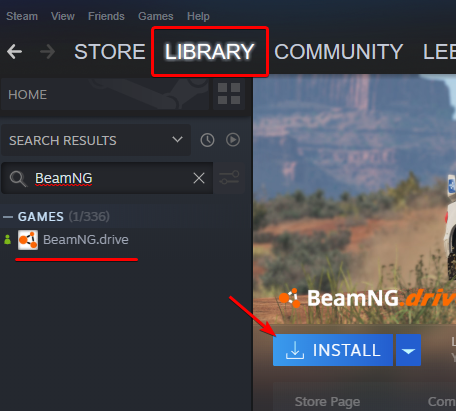
- If Steam isn’t running already, launch it
- Navigate to Library
- Select BeamNG.drive from the list
- Click Install
Useful articles
If you experience any issues during the first launch, please, check there articles:
What is Humble Bundle?
Humble Bundle, along with Steam, is one of the official stores where BeamNG.drive can be purchased through.
The Humble Bundle purchase of the game includes:
- An activation key to redeem the game on Steam
- Download to the Installer version of the game (DRM Free)
- Download to the ZIP version of the game (DRM Free)
You can use the one you prefer.
DRM Free means, in short, that you don’t need to use third-party programs like Steam to download and play the game. However, you’ll need to manually update your game. Please read more here:
https://en.wikipedia.org/wiki/Digital_rights_management
Purchasing through Humble Bundle
You can purchase the game from Humble Bundle by visitng their store:
https://www.humblebundle.com/store/beamngdrive
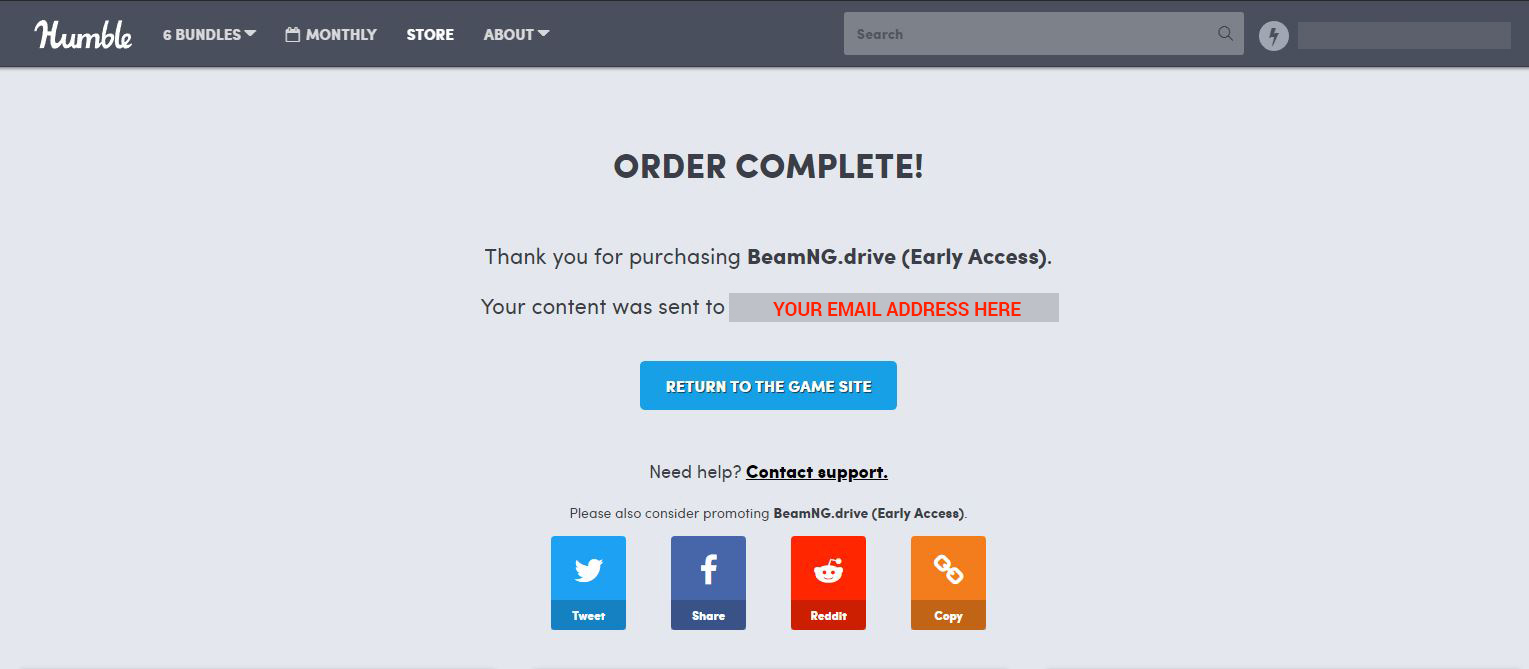
You will receive a mail, at the email address used to place the order, with your downloads link.
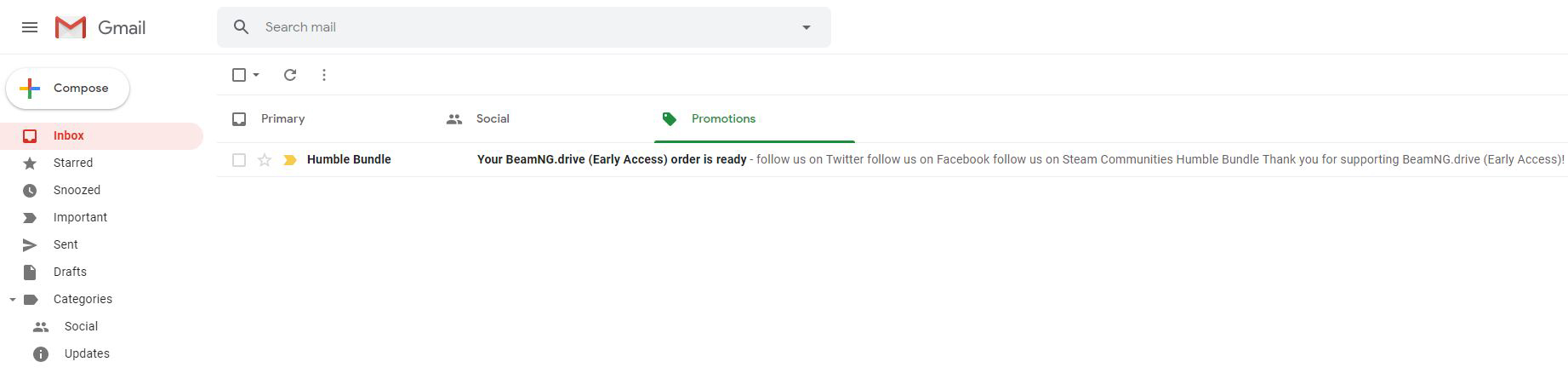
Make sure to check all your inbox folders, including the spam folder.
Click the link inside this mail to access your personal download page.
Your personal download page will include the content described in the previous chapter.
From there you can get your Activation Key to redeem the game on Steam, or download the DRM Free version of the game.
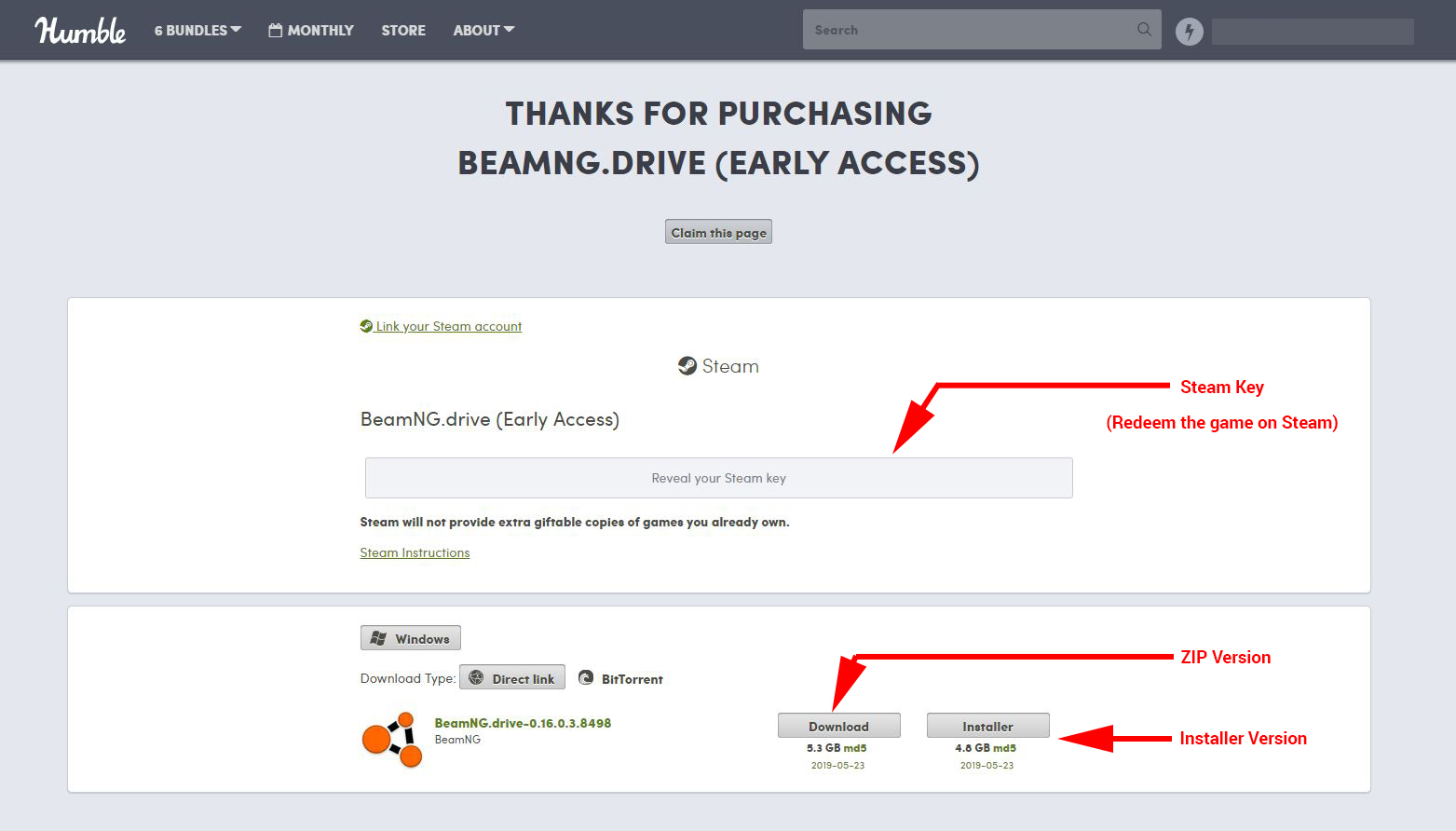
The DRM Free Installer and ZIP versions come in a ZIP archive.
You must first extract all the files from the ZIP archive before running the Installer / Game!
Claiming the download page (Optional)
This is not required, but will make it easier to find your downloads in the future (needed to update the DRM Free versions for example)
Create a Humble Bundle account if you don’t have one (it’s free). Once done, go back to your personal download page and click the Claim this page button, located at the top of the page, and below the downloads
Then keep following the instructions on screen.
Once done, you will be able to access your downloads from your Humble Bundle account’s Library menu.
Claiming Humble Bundle Key in Steam
If you prefer to redeem your Humble Bundle key to steam, please follow these instructions:
If you lost your key, please use this tool to request a re-send:
https://www.humblebundle.com/resender
If you have any issues please
Registering with Epic Games Store
Installing Epic Games Launcher
- Ensure that you are logged in as an administrator on the machine which you would like to install Epic Games Launcher on
- Go to
https://store.epicgames.com/ and click
Download
If you encounter any issues with your installation, please try
Contacting Epic Games Support for assistance.
Purchasing through Epic Games
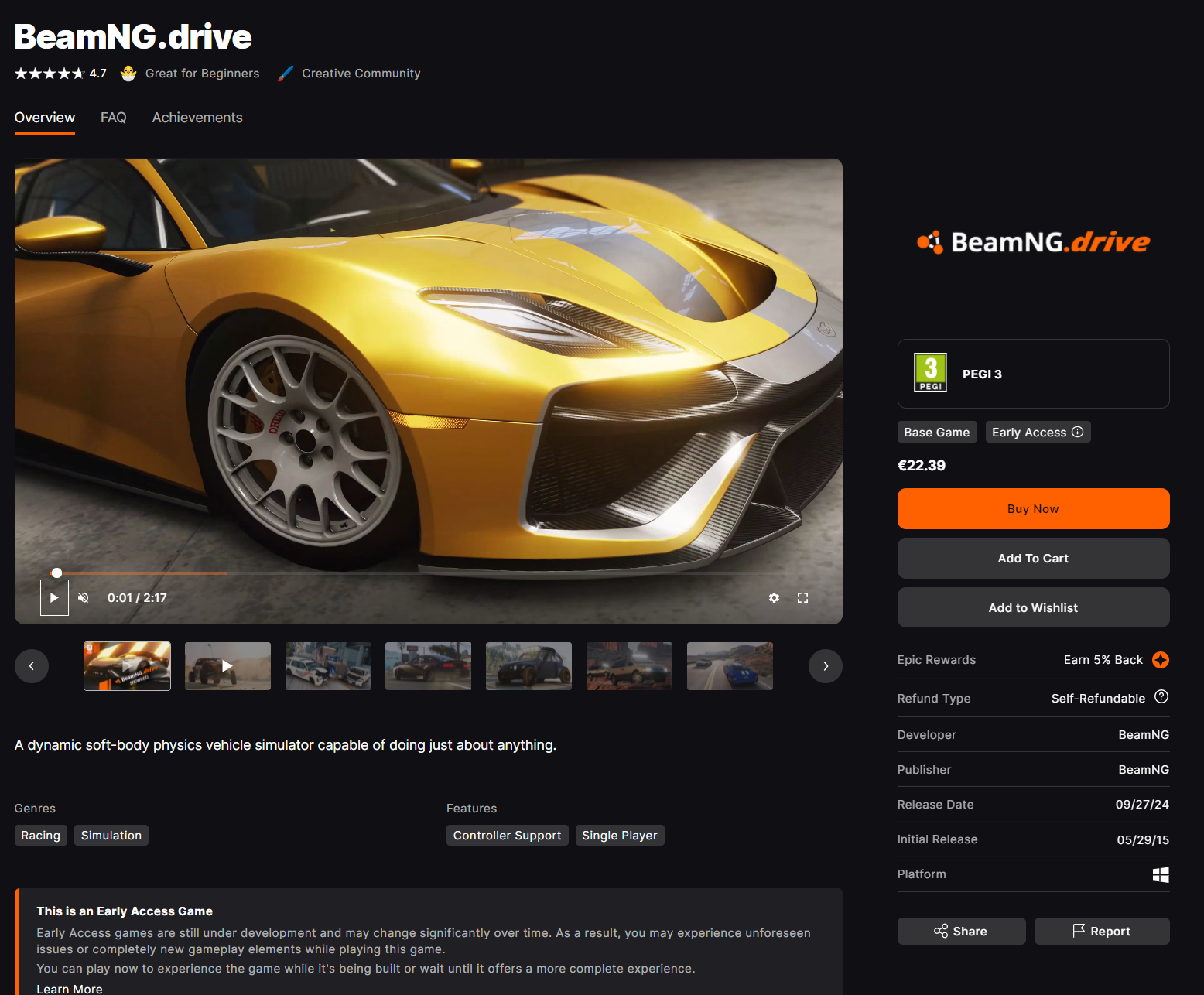
Installing the game through Epic Games
- If Epic Games Launcher isn’t running already, launch it
- Navigate to Library
- Select BeamNG.drive from the list
- Click Install


