
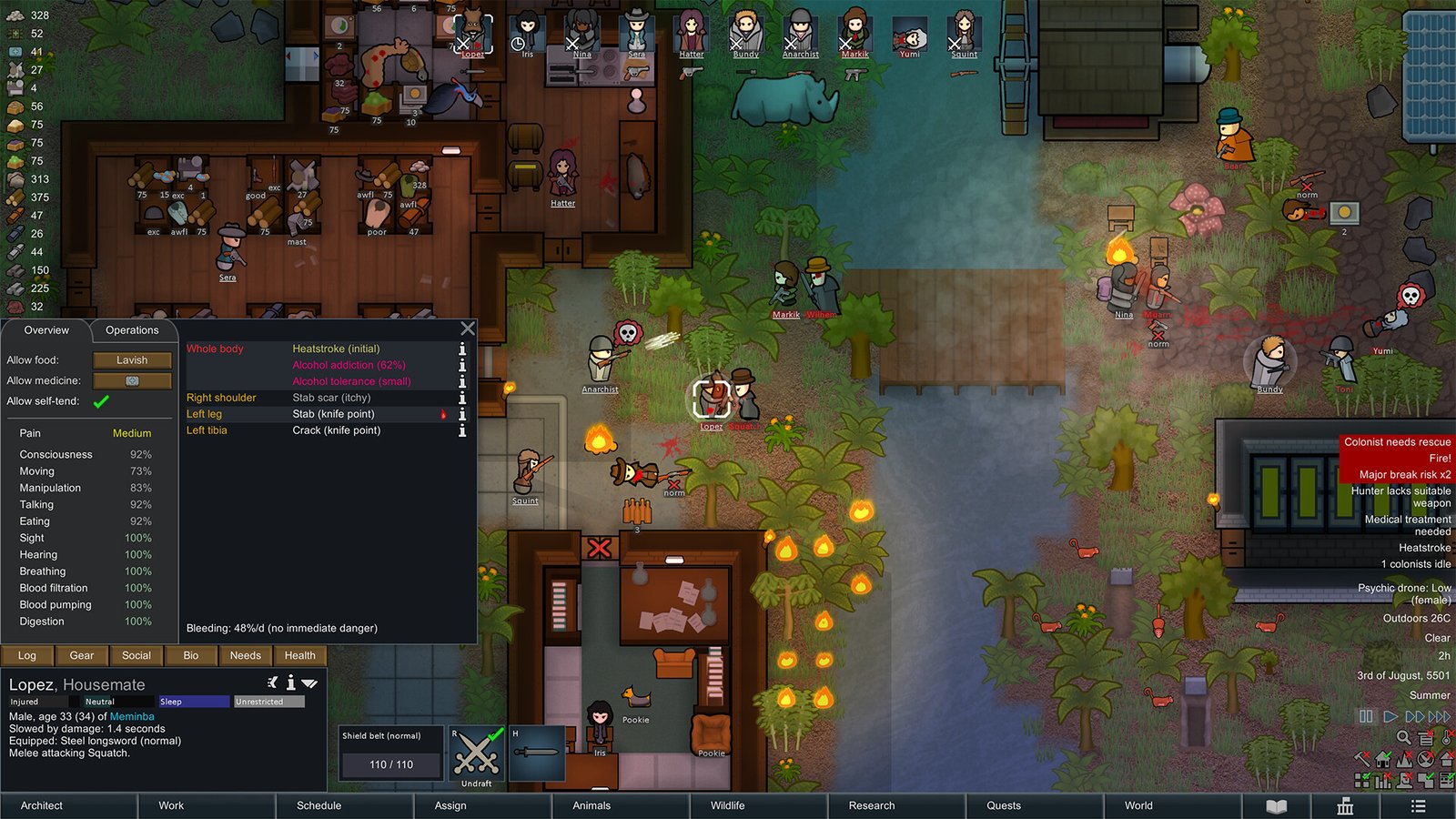
RimWorld is one of the best games for learning game mod development.
Unlike many games, you do not need advanced programming knowledge before creating something useful. A simple RimWorld mod can consist entirely of human-readable XML files.
When you need more advanced behavior, you can move into C#.
When you need to alter existing game behavior without replacing entire systems, you can use Harmony.
This makes RimWorld an excellent modding environment for both beginners and experienced developers.
This guide targets RimWorld 1.6.
By the end of this guide, you will understand how to:
- create a RimWorld mod from scratch
- understand the mod folder structure
- create
About.xml - create new items with XML
- create crafting recipes
- use RimWorld Defs
- add textures
- modify vanilla content safely
- use PatchOperations
- set up a C# development environment
- compile a RimWorld DLL
- create a C# mod class
- understand Harmony patching
- debug XML and C# errors
- organize larger projects
- support RimWorld 1.6
- upload your mod to Steam Workshop
- update a published Workshop mod safely
1. How RimWorld Mods Work
A RimWorld mod is essentially a folder containing content that RimWorld loads in addition to the base game.
A simple mod may contain only XML:
MyMod/
│
├── About/
│   └── About.xml
│
├── Defs/
│   └── ThingDefs/
│       └── Items.xml
│
└── Textures/
    └── ExampleMod/
        └── MyItem.png
A more advanced mod can also contain:
Assemblies/
Languages/
Patches/
Sounds/
Source/
LoadFolders.xml
and other resources.
The important concept is:
XML
=
data and definitions

C#
=
custom behavior

Harmony
=
altering existing behavior
You can create a surprising amount of content without writing any C#.
2. What Can You Mod?
| Content | XML Required | C# Required |
|---|---|---|
| New resource | Yes | No |
| New weapon | Yes | Usually no |
| New apparel | Yes | Usually no |
| New recipe | Yes | No |
| New plant | Yes | Usually no |
| New research project | Yes | No |
| New building | Yes | Sometimes |
| New animal | Yes | Sometimes |
| New faction | Yes | Sometimes |
| New trait | Yes | Sometimes |
| New hediff | Yes | Sometimes |
| New UI | Possibly | Usually yes |
| New AI behavior | Possibly | Usually yes |
| New game mechanic | Possibly | Usually yes |
| Modify existing methods | No | Harmony/C# |
For your first mod, XML is the best place to start.
3. What We Will Build
Our tutorial project will be called:
Example Survival EquipmentThe first item will be:
Field Survival KitThe player will be able to craft it using basic resources.
Later in the guide, we will add a C# component to demonstrate how an XML mod can evolve into a coded mod.
For internal identifiers we will use:
YOURTAG_For example:
YOURTAG_FieldSurvivalKitReplace YOURTAG with your own short developer or mod prefix.
Examples:
JSM_FieldSurvivalKit
ACME_FieldSurvivalKit
MYMOD_FieldSurvivalKit
Do not use generic Def names such as:
SurvivalKit
NewGun
Metal
SuperArmor
Another mod may use the same name.
4. Software You Need
Recommended tools:
RimWorld
You need RimWorld installed.
This guide targets:
RimWorld 1.6Visual Studio Code
Useful for:
XML
C#
JSON
Git
project-wide search
Download:
https://code.visualstudio.com/Visual Studio Community
Recommended once you begin writing C#.
Download:
https://visualstudio.microsoft.com/Install:
.NET desktop developmentFor RimWorld C# development, use:
.NET Framework 4.7.2Git
Recommended for larger projects.
https://git-scm.com/5. Find the RimWorld Installation Directory
A typical Steam installation is:
C:\Program Files (x86)\Steam\steamapps\common\RimWorld\You can also use:
Steam
→ RimWorld
→ Properties
→ Installed Files
→ Browse
6. Vanilla Files Are Your Best Documentation
Look inside:
RimWorld\Data\The Core data contains vanilla definitions for:
weapons
resources
buildings
animals
plants
recipes
research
apparel
One of the best habits in RimWorld modding is:
Do not guess how a Def works if RimWorld already contains a similar example.
Want to create a rifle?
Find a vanilla rifle.
Want to create food?
Find a vanilla food ThingDef.
Want to create a crafting recipe?
Find a similar vanilla RecipeDef.
7. Where Local Mods Are Stored
Inside the RimWorld directory:
Mods/Create:
RimWorld/
└── Mods/
    └── ExampleSurvivalEquipment/
Our beginner structure will look like:
ExampleSurvivalEquipment/
│
├── About/
│   ├── About.xml
│   └── Preview.png
│
├── Defs/
│   ├── ThingDefs_Items/
│   │   └── Example_Items.xml
│   │
│   └── RecipeDefs/
│       └── Example_Recipes.xml
│
└── Textures/
    └── ExampleMod/
        └── FieldSurvivalKit.png
Later we can add:
Assemblies/
Patches/
Source/
Languages/
8. Create About.xml
Create:
About/About.xmlAdd:
<?xml version="1.0" encoding="utf-8"?>

<ModMetaData>

    <name>Example Survival Equipment</name>

    <author>Your Name</author>

    <packageId>yourname.survivalequipment</packageId>

    <supportedVersions>
        <li>1.6</li>
    </supportedVersions>

    <description>
Adds survival equipment and serves as an example project for learning RimWorld modding.
    </description>

</ModMetaData>
9. Understanding packageId
This line is extremely important:
<packageId>yourname.survivalequipment</packageId>Think of it as the permanent technical identity of your mod.
Use a format such as:
author.modnameExamples:
yourname.survivalequipment
john.medicalexpansion
acme.weaponpack
Do not casually change your package ID after publication.
Other mods may later depend on it.
10. supportedVersions
For RimWorld 1.6:
<supportedVersions>
    <li>1.6</li>
</supportedVersions>
Only list versions you actually support.
11. Add Preview.png
Create:
About/Preview.pngA useful preview size is:
640 × 360or:
1280 × 720Use:
- readable text
- clear artwork
- a simple title
- consistent branding
12. Enable Your Empty Mod
Launch RimWorld.
Open:
ModsLook for:
Example Survival EquipmentEnable it.
If your empty mod appears correctly, your metadata structure is working.
Do not build dozens of files before verifying this step.
13. RimWorld Defs
A Def is essentially a data definition.
Examples:
ThingDef
RecipeDef
Research