



CurseForge is a Minecraft launcher owned by Overwolf that allows you to install thousands of modpacks with the click of a button.
#How to Install Modpacks
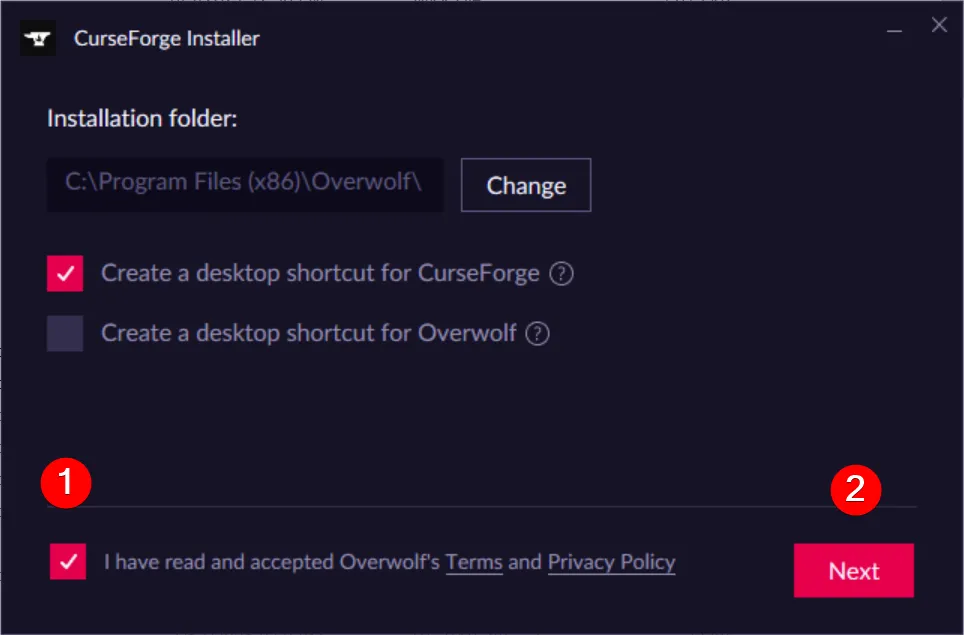
- Download and launch the CurseForge installer.
You can find the download here: https://www.curseforge.com/download/app
- Accept Overwolf’s terms and privacy policy, then click Next.
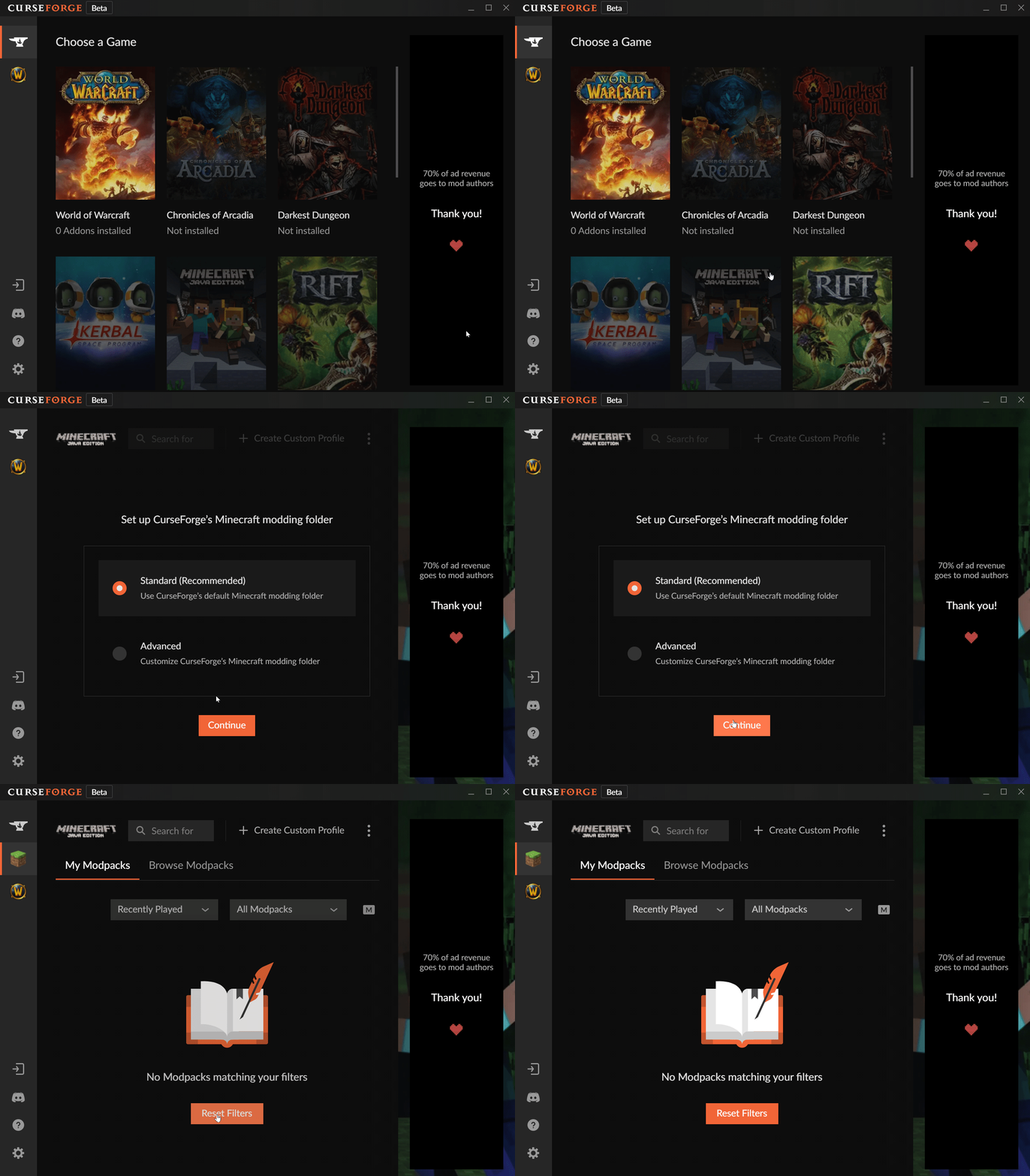
- Install Minecraft in CurseForge and select Continue.
- Search for your desired modpack and click the orange Install button.
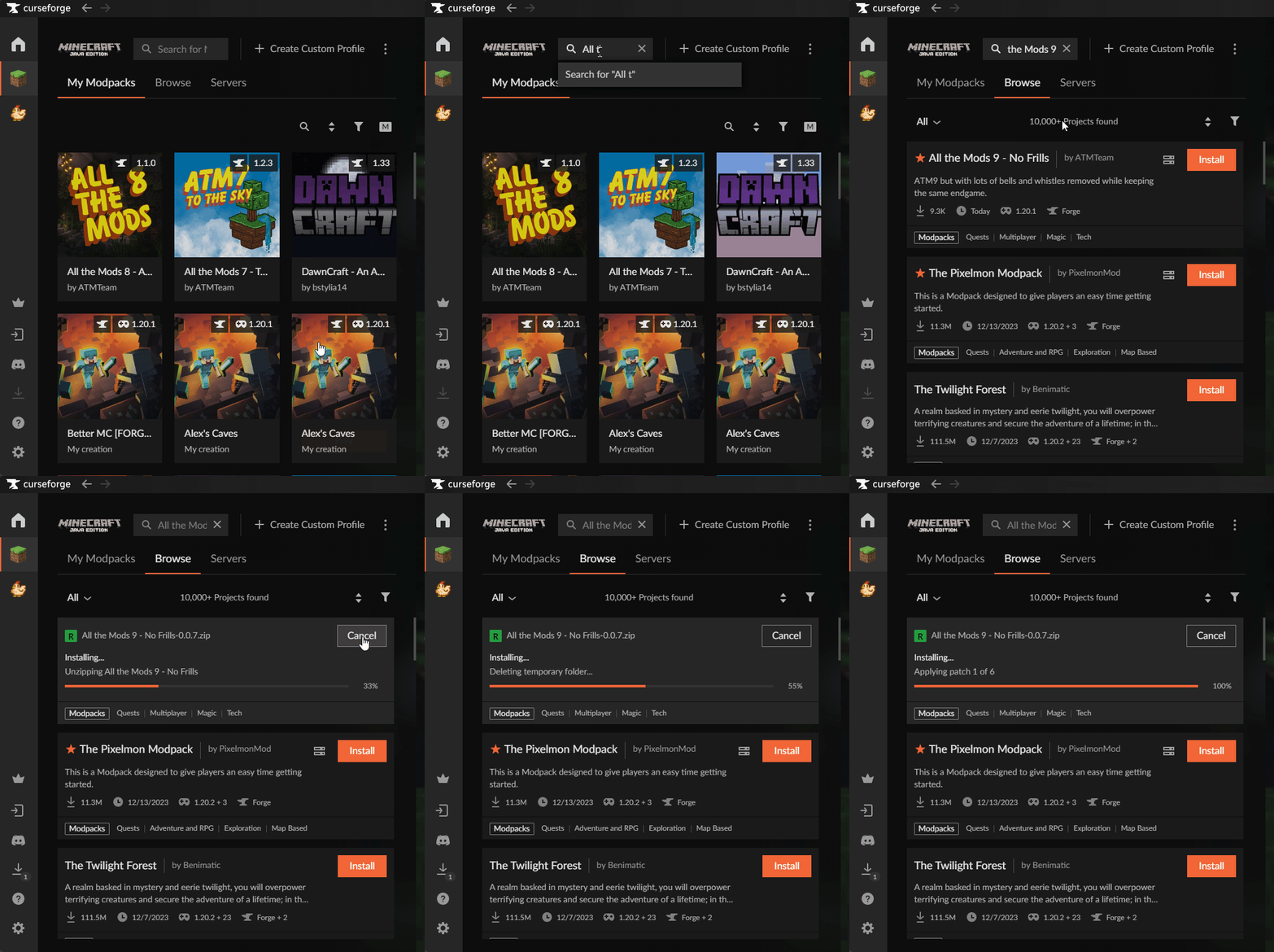
- When the installation is finished, navigate to the My Modpacks tab and click Play.
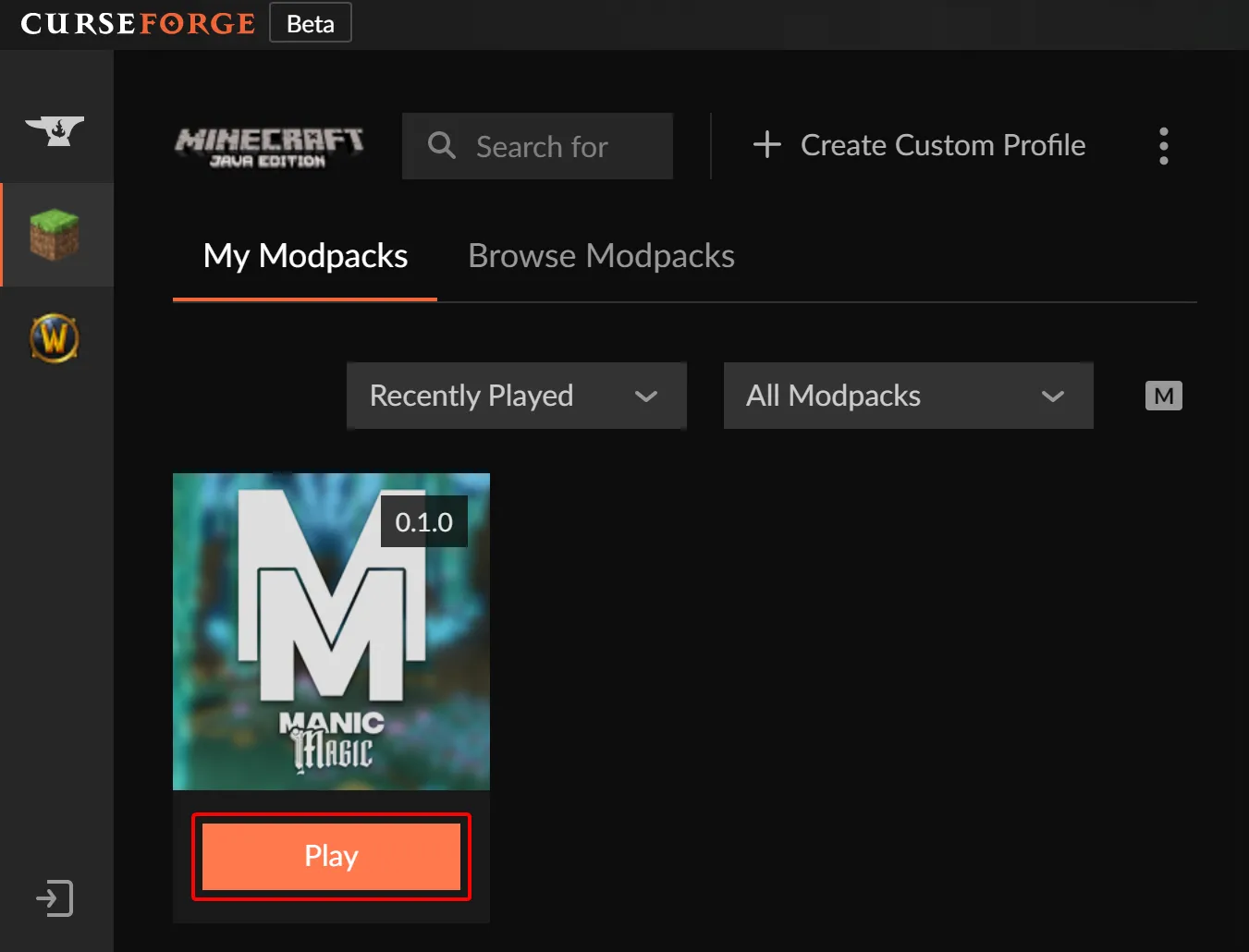
That’s it! You’re now ready to play your desired modpack through CurseForge.
good stuff here
thx for support