


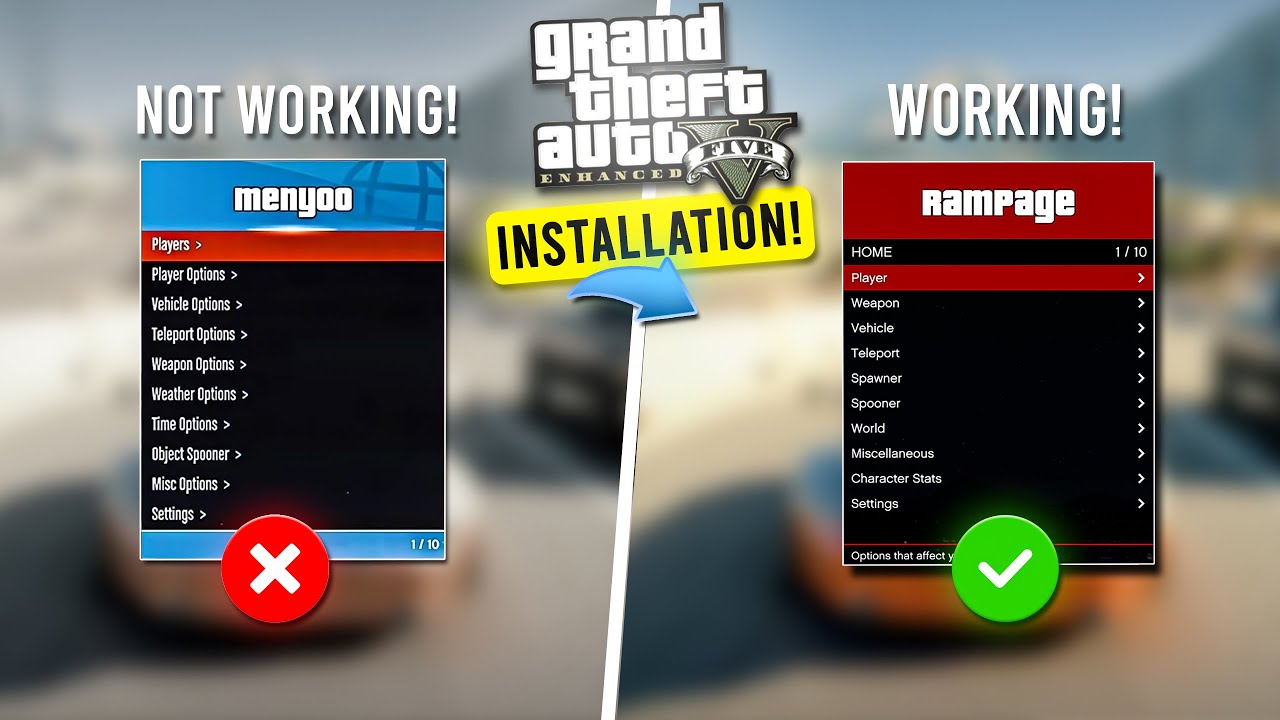
Grand Theft Auto V is still one of the best sandbox games on PC, but mods can make it even better. Whether you want better graphics, a powerful trainer, police roleplay, custom interiors, or support for add-on vehicles, the right mods can completely transform your Story Mode experience.
In this detailed guide, you will discover the 10 most popular GTA 5 mods, what each one does, how to install it, which files are required, and the most important things you should know before modding GTA V on PC.
Important: This guide is for GTA V Story Mode on PC only. Do not use mods in GTA Online.
Before You Start Installing GTA V Mods
Before installing any GTA V mod, make sure you follow these rules:
- Back up your GTA V folder before changing anything.
- Use mods in Story Mode only.
- Install one mod at a time if you are new to modding.
- Keep OpenIV and Script Hook V updated after game patches.
- Use a clean mods folder setup whenever possible.
- Read every included readme file before installation.
1) Script Hook V + Native Trainer
What it does:
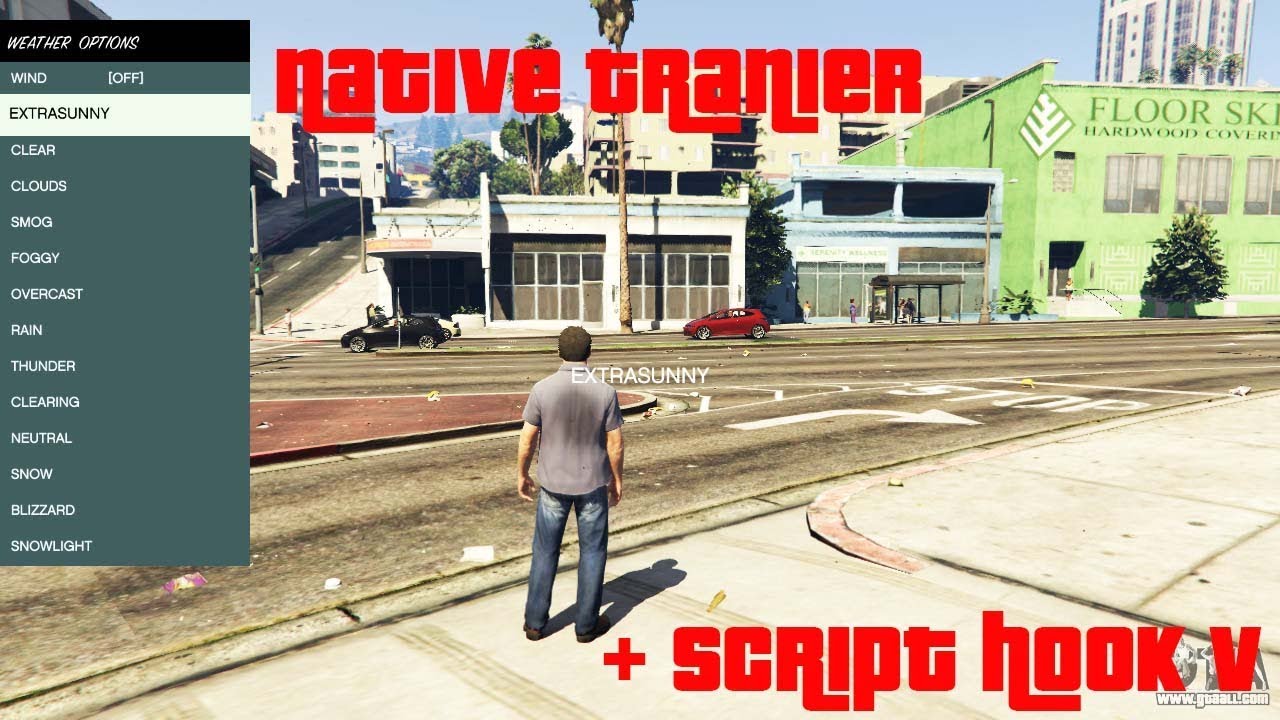
Script Hook V is the foundation of GTA V modding. It allows custom .asi plugins to run and gives access to GTA V native functions. It also includes Native Trainer, which lets you spawn vehicles, teleport, change weather, and test features in Story Mode.
Why this mod is so important:
Many of the most popular GTA 5 mods will not work without Script Hook V. If you are building a modded GTA V setup, this is one of the first files you should install.
Main features:
- Required for many ASI mods
- Includes Native Trainer
- Enables custom script-based gameplay changes
- Works as the core base for many Story Mode mods
How to install Script Hook V:
- Download the latest Script Hook V package.
- Open the ZIP archive.
- Copy
ScriptHookV.dllinto your GTA V main folder. - Copy
dinput8.dllinto the same folder to enable ASI loading. - If you want Native Trainer, also copy
NativeTrainer.asi. - Launch GTA V Story Mode and test the setup.
Things to watch out for:
- Script Hook V often needs an update after Rockstar patches GTA V.
- It is not for GTA Online.
- If your game stops launching after an update, check for a new version first.
2) OpenIV
What it does:
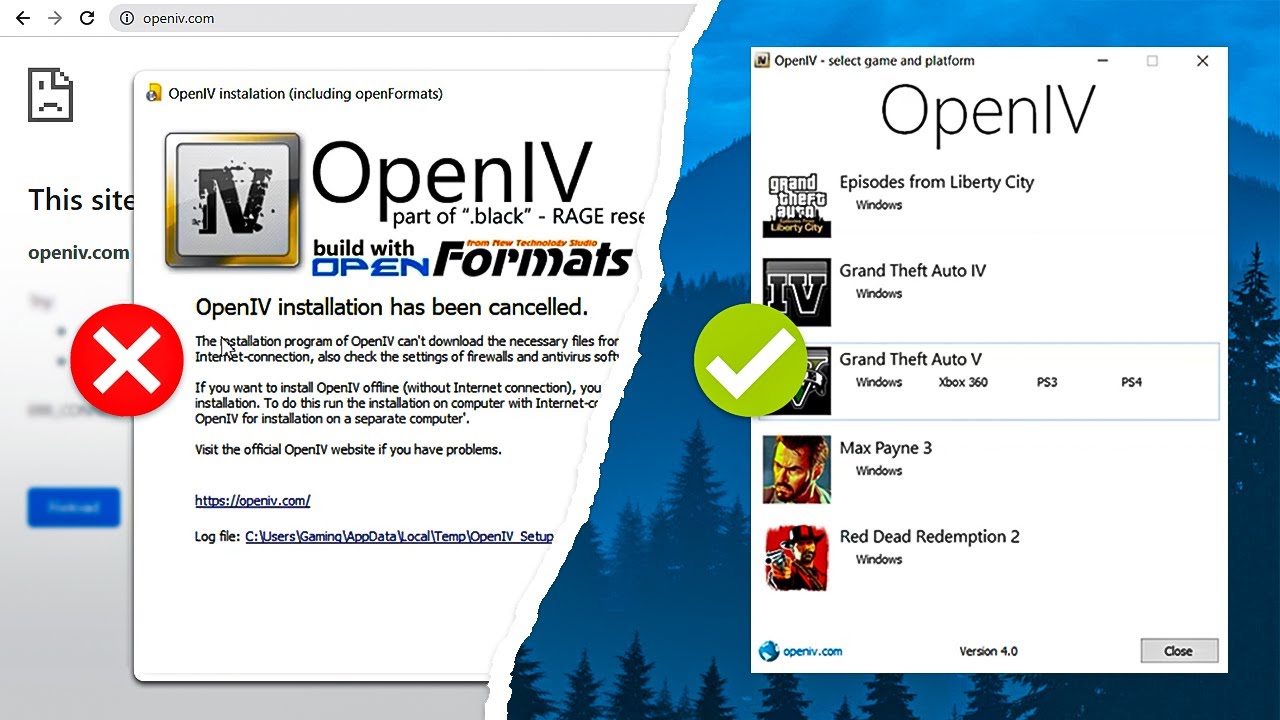
OpenIV is one of the most essential GTA V modding tools. It allows you to browse, edit, and install game files safely. More importantly, it helps you use a mods folder so you do not overwrite your original game files.
Why players use it:
If you want to install graphics mods, map mods, vehicles, textures, or replace game assets, OpenIV is usually required.
Main features:
- Safe archive editing
- Mods folder support
- Easy package installation
- Essential for file-based GTA V mods
How to install OpenIV:
- Download and install OpenIV.
- Launch the program and select GTA V for Windows.
- Choose your GTA V installation folder.
- Open the ASI Manager inside OpenIV.
- Install ASI Loader and OpenIV.ASI.
- Create the
modsfolder when prompted.
Things to watch out for:
- Always install replacement files into the
modsfolder when possible. - Avoid editing the original archives directly.
- OpenIV is a tool, not a gameplay mod, but it is a must-have for serious modding.
3) Menyoo 2.0
What it does:
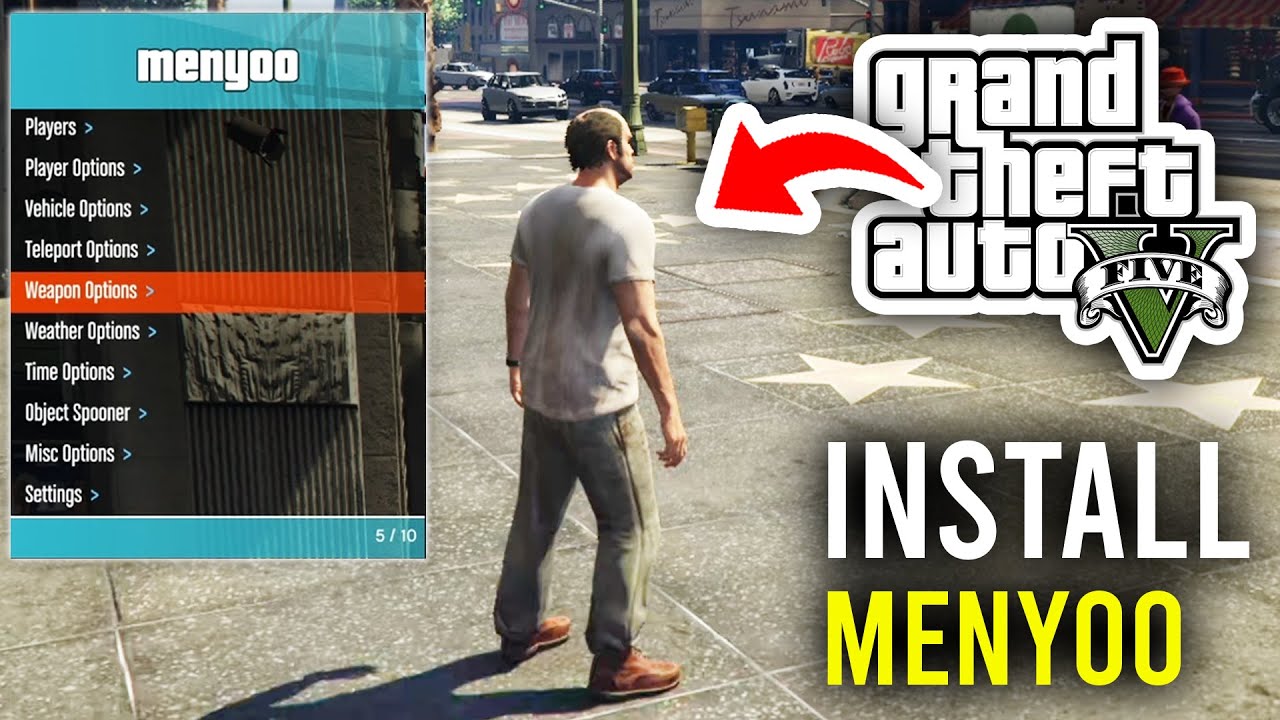
Menyoo is one of the most famous GTA V trainers ever made. It gives you a powerful in-game menu for spawning vehicles, changing outfits, teleporting, controlling the world, and building custom scenes with Spooner mode.
Why players love it:
Menyoo is perfect for sandbox fun, screenshots, roleplay setup, machinima, and testing other mods.
Main features:
- Spawn vehicles, peds, and props
- Teleport anywhere
- Change time, weather, and player model
- Use Spooner mode to build custom scenes
How to install Menyoo 2.0:
- Install Script Hook V first.
- Download Menyoo 2.0.
- Extract the archive.
- Copy the included files into the GTA V root folder.
- Launch Story Mode.
- Press F8 to open the menu.
Things to watch out for:
- Some setups can conflict if you use multiple trainers at the same time.
- Spawning too many objects may cause performance problems.
- Always use the newest version after GTA V updates.
4) Simple Trainer for GTA V
What it does:
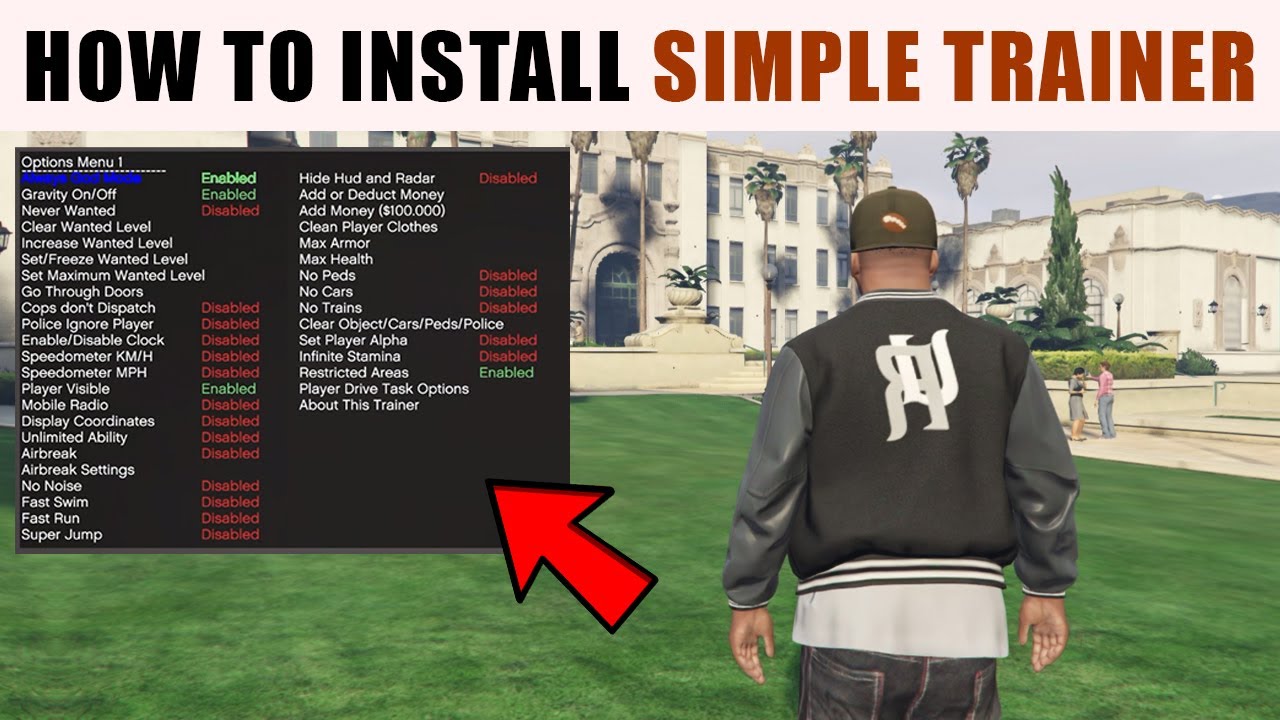
Simple Trainer is another classic GTA V trainer. It focuses on useful gameplay controls, hotkeys, teleport options, vehicle spawning, and practical Story Mode testing tools.
Why players use it:
It is lightweight, easy to use, and perfect for players who want a clean trainer without too many extra scene-building tools.
Main features:
- Vehicle spawning
- Teleport options
- Gameplay tweaks and utility functions
- Configurable trainer settings
How to install Simple Trainer:
- Install Script Hook V.
- Download Simple Trainer.
- Extract the files.
- Copy the included trainer files into the GTA V root folder.
- Launch Story Mode and use the trainer hotkeys from the readme.
Things to watch out for:
- Do not run too many trainer mods together unless you know what you are doing.
- If it stops working after a title update, check Script Hook V first.
5) LSPDFR
What it does:
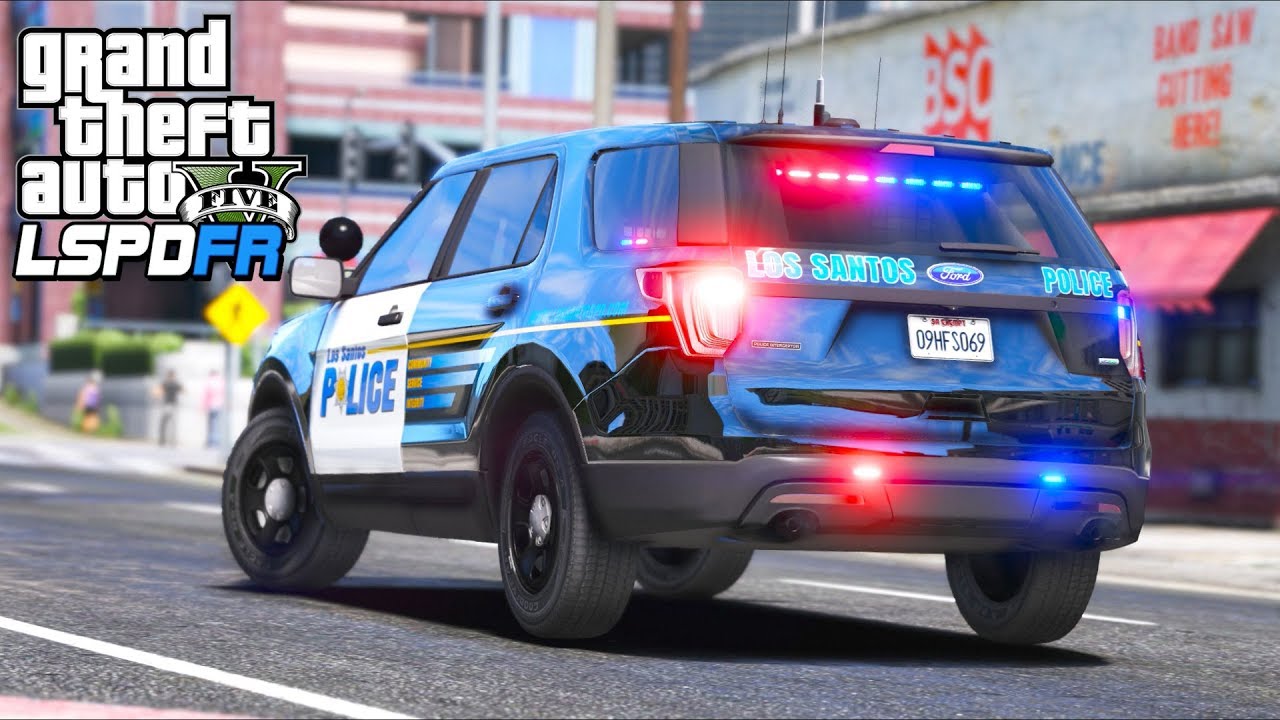
LSPDFR transforms GTA V into a police roleplay experience. You can patrol the streets, respond to callouts, make arrests, perform traffic stops, and build an entire law enforcement setup with plugins and custom police vehicles.
Why it is so popular:
LSPDFR is one of the biggest GTA V mod communities and can add hundreds of hours of gameplay to Story Mode.
Main features:
- Police patrol gameplay
- Traffic stops and arrests
- Callouts and pursuits
- Massive plugin and vehicle support
How to install LSPDFR:
- Start with a clean GTA V folder if possible.
- Download LSPDFR.
- Extract the contents into your GTA V main directory.
- Install RAGE Plugin Hook.
- Launch the game through
RAGEPluginHook.exe.
Things to watch out for:
- LSPDFR is more sensitive to GTA V updates than standard trainers.
- Add plugins one by one after the base mod works.
- Script Hook V is not always required for LSPDFR itself, but many extra mods may still need it.
6) VisualV
What it does:
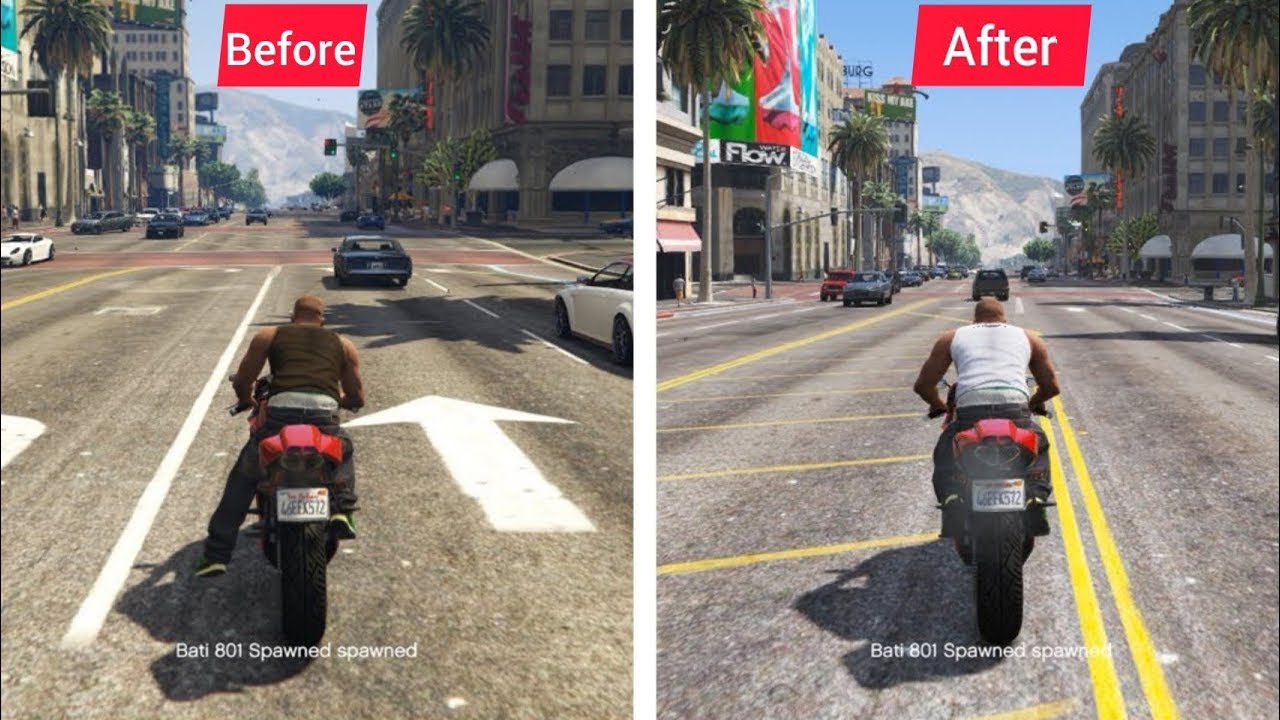
VisualV is one of the most popular graphics overhaul mods for GTA V. It improves weather, lighting, atmosphere, color correction, fog, and many other visual details across Los Santos and Blaine County.
Why players use it:
It gives GTA V a cleaner and more modern look without becoming too complicated for beginners.
Main features:
- Improved weather effects
- Enhanced lighting and colors
- Better atmosphere and visual realism
- Popular base for screenshot and immersion setups
How to install VisualV:
- Install OpenIV first.
- Enable the
modsfolder. - Download VisualV.
- Follow the included instructions carefully.
- Install the files into the correct archive locations using OpenIV.
- Launch the game and test daytime, weather, and nighttime visuals.
Things to watch out for:
- Do not mix multiple major weather overhauls unless they are confirmed compatible.
- Performance may vary depending on your graphics settings and GPU.
7) Map Editor
What it does:
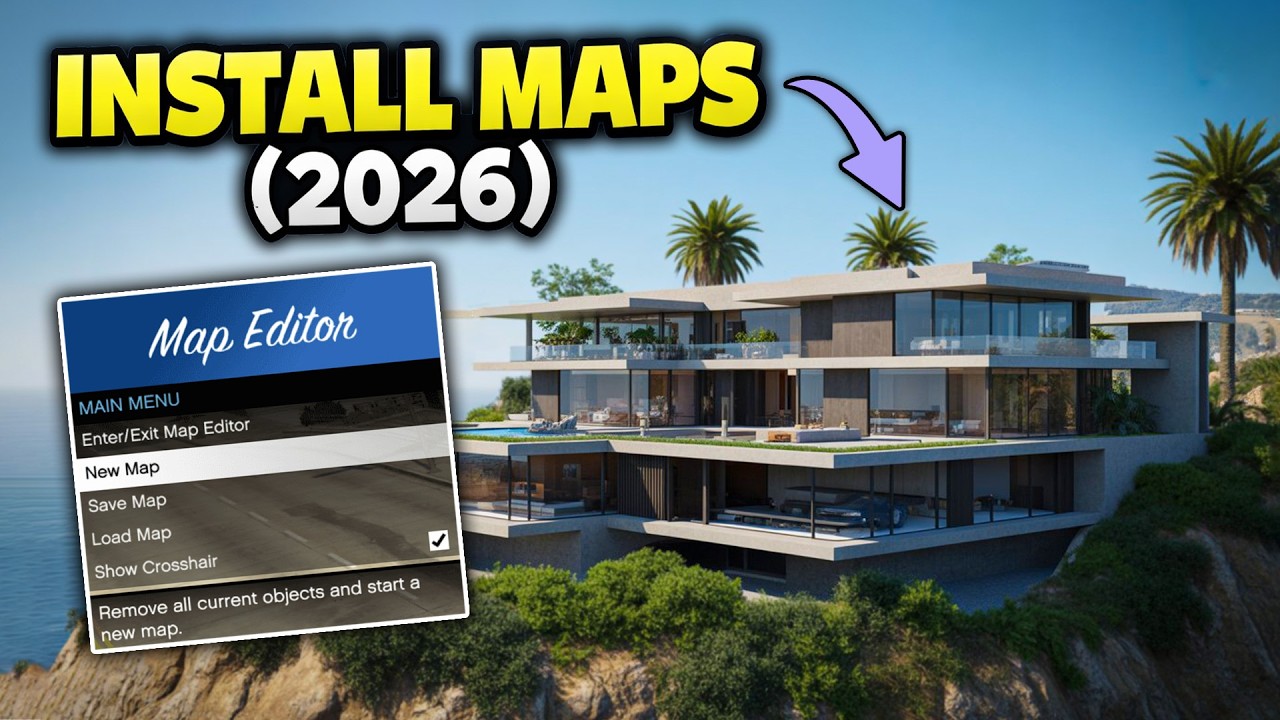
Map Editor allows you to place objects, vehicles, and props around the GTA V world and save them as custom map files. It is widely used for stunt parks, roleplay scenes, custom areas, and content creation.
Why players use it:
It gives you creative control over the GTA V world without needing advanced 3D editing skills.
Main features:
- Place and save custom props
- Create custom maps and scenes
- Useful for machinima and sandbox creation
- Great for stunt and roleplay setups
How to install Map Editor:
- Install Script Hook V.
- Install Script Hook V .NET.
- Create a
scriptsfolder if it does not exist. - Install NativeUI or the dependency listed by the chosen version.
- Copy the Map Editor files into the
scriptsfolder. - Launch the game and use the assigned hotkey.
Things to watch out for:
- Very large maps may reduce performance.
- If it does not load, the issue is often Script Hook V .NET compatibility.
8) Add-On Vehicle Spawner
What it does:
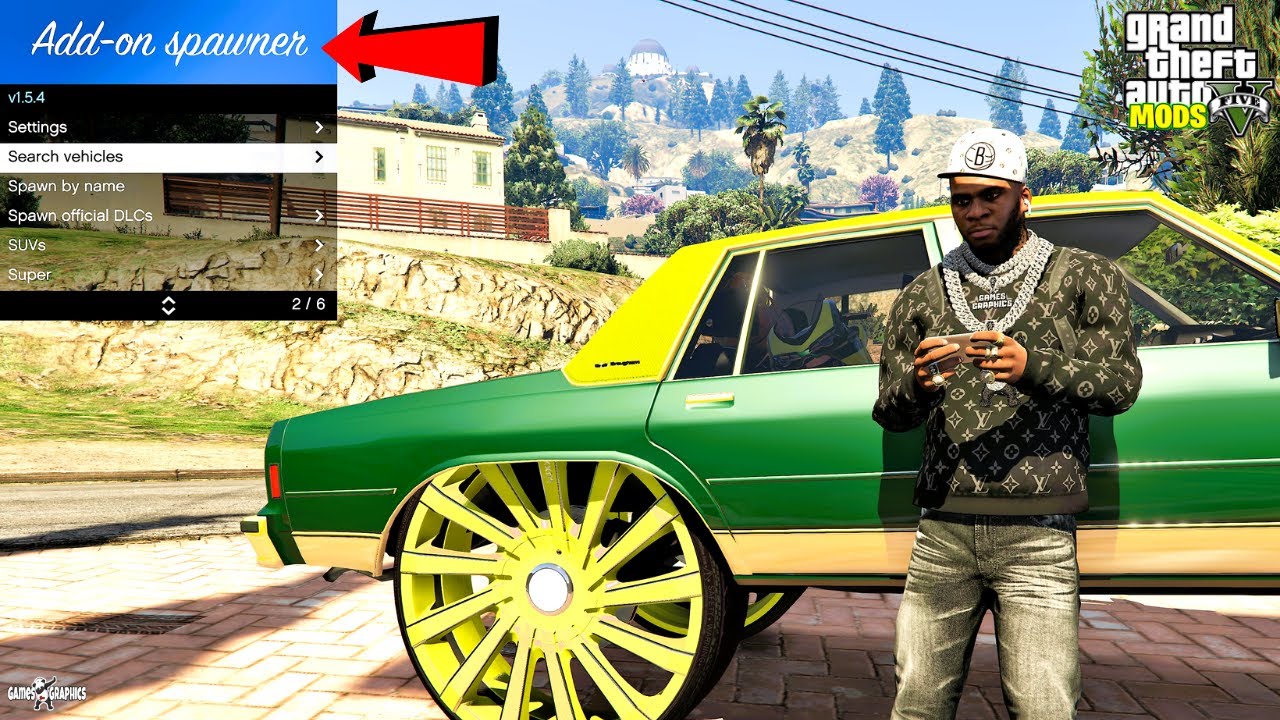
Add-On Vehicle Spawner automatically detects installed add-on vehicles and places them into a menu so you can spawn them easily in-game.
Why players use it:
If you install custom cars, emergency vehicles, bikes, or lore-friendly vehicle packs, this mod makes management much easier.
Main features:
- Detects add-on vehicles automatically
- Search by make or model
- Custom thumbnails and sorting
- Better vehicle collection management
How to install Add-On Vehicle Spawner:
- Install Script Hook V.
- Download Add-On Vehicle Spawner.
- Extract the files.
- Copy
AddonSpawner.asiand related files into the GTA V root folder. - Install one or more add-on cars separately.
- Launch the game and use the mod hotkey.
Things to watch out for:
- This mod does not install vehicles by itself.
- If a car crashes your game, the issue may be the car mod or gameconfig file.
9) Enable All Interiors
What it does:
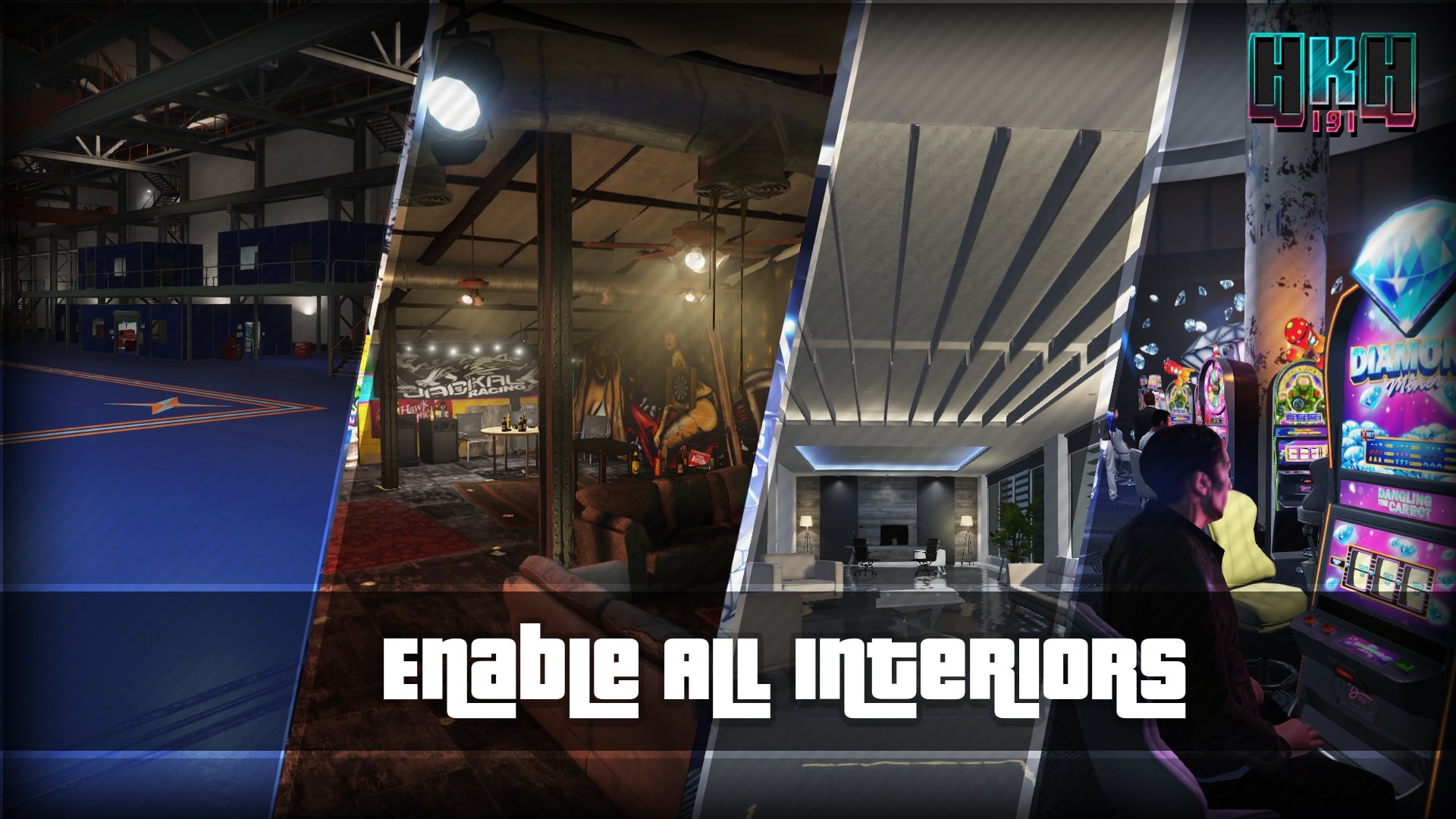
Enable All Interiors unlocks many inaccessible interiors in GTA V Story Mode, including hidden and online-related spaces that are normally closed to players.
Why players use it:
It is excellent for exploration, screenshots, machinima, and roleplay.
Main features:
- Unlocks many hidden interiors
- Loads extra interior spaces in Story Mode
- Great for content creators and explorers
- Useful for expanded free roam gameplay
How to install Enable All Interiors:
- Install Script Hook V.
- Install Script Hook V .NET.
- Create a
scriptsfolder if needed. - Install any UI dependency required by the current version.
- Copy the mod files into the correct folder.
- Launch the game and activate the mod based on the included instructions.
Things to watch out for:
- Some interiors may still have loading issues depending on your setup.
- Interior mods can be more sensitive to title updates and dependency changes.
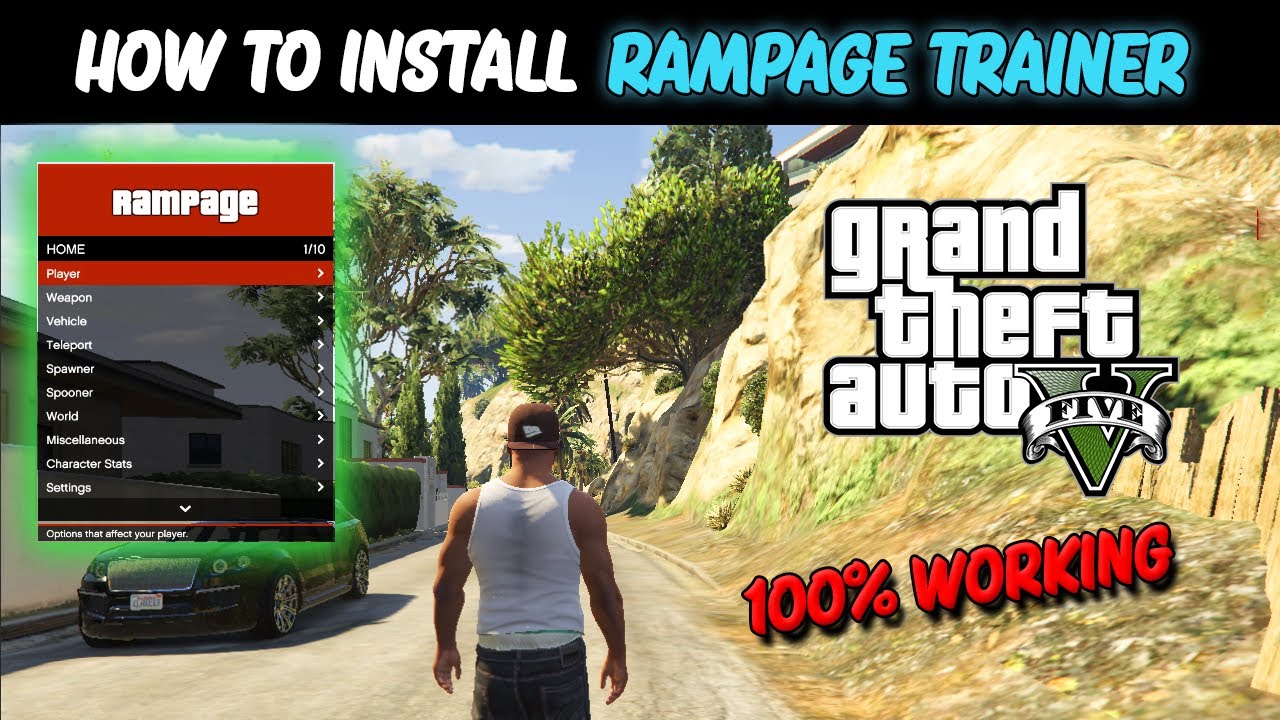
10) Rampage Trainer
What it does:
Rampage Trainer is a feature-rich GTA V Story Mode trainer with a modern interface and a broad toolset for player controls, vehicle spawning, world edits, and gameplay testing.
Why players use it:
Many players choose Rampage as their daily-use trainer because it is powerful, practical, and highly customizable.
Main features:
- Advanced trainer functions
- Vehicle, weapon, and player customization
- Sandbox gameplay controls
- Useful for testing modded setups
How to install Rampage Trainer:
- Install Script Hook V.
- Download Rampage Trainer.
- Extract the archive.
- Copy the included files into the GTA V root folder.
- Launch Story Mode and open the trainer with the configured key.
Things to watch out for:
- Some Enhanced users may need the additional save-related fix mentioned by the mod author.
- Do not combine too many trainer mods unless necessary.
Best GTA 5 Mods Installation Order
- Install Script Hook V
- Install OpenIV
- Install Script Hook V .NET if needed
- Install one trainer first such as Menyoo, Simple Trainer, or Rampage
- Install graphics mods like VisualV
- Install content mods such as Map Editor, Enable All Interiors, or Add-On Vehicle Spawner
- Install LSPDFR separately if you want a more stable police roleplay setup
Common GTA 5 Mod Problems and Fixes
Game crashes on startup
- Script Hook V may be outdated
- A broken ASI mod may be causing the crash
- You may have an incompatible gameconfig file
- A replacement mod may have been installed incorrectly
Trainer menu does not open
- Check the hotkey settings
- Confirm the files are in the correct folder
- Make sure Script Hook V is installed correctly
Add-on vehicles do not work
- The vehicle files may be installed incorrectly
- You may need a compatible gameconfig
- The add-on vehicle may be outdated
Final Verdict
If you want the best GTA V modded experience on PC, start with Script Hook V and OpenIV, then choose a trainer like Menyoo, Simple Trainer, or Rampage Trainer. After that, install VisualV for better graphics, Add-On Vehicle Spawner for custom cars, Map Editor for creativity, Enable All Interiors for exploration, and LSPDFR if you want a whole new gameplay style.
Used carefully, these mods can make GTA V feel fresh again and give Story Mode hundreds of extra hours of fun.