



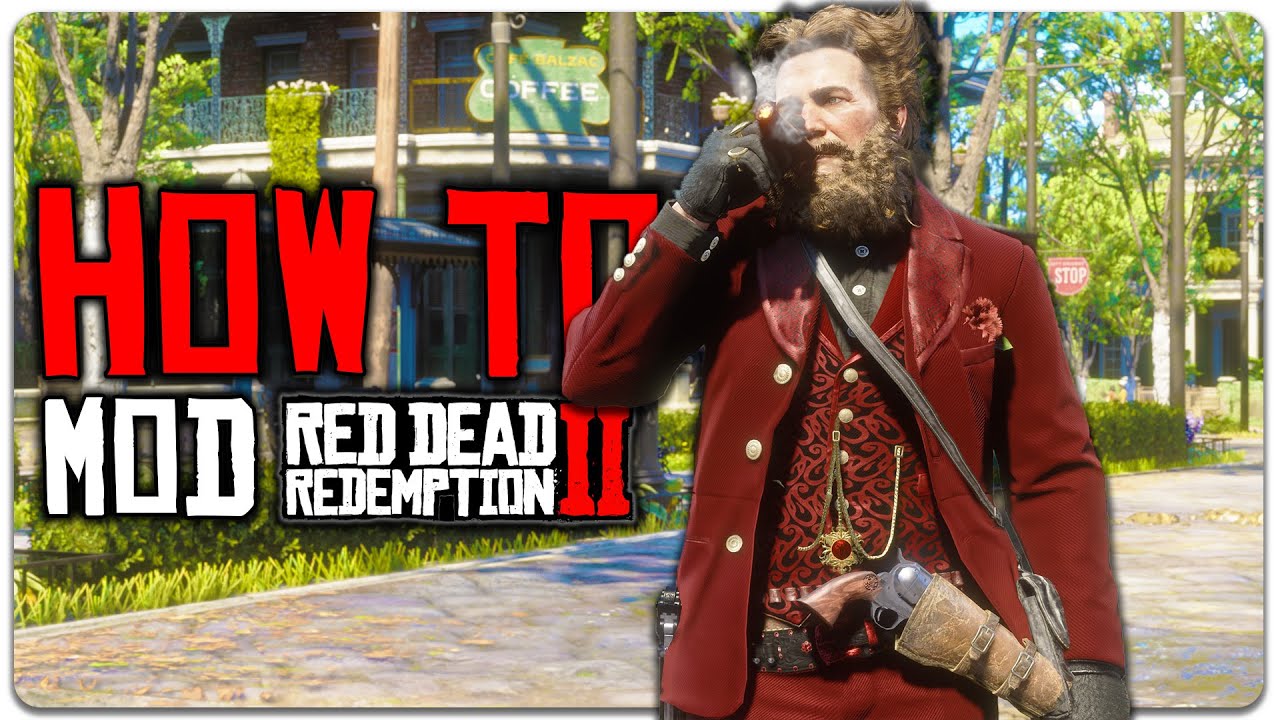
Red Dead Redemption 2 (RDR2) is widely considered one of the most immersive open-world games ever created. Developed by Rockstar Games, it offers breathtaking visuals, a deep narrative, realistic physics, and a living, breathing world set in the dying days of the American Wild West. However, even with all its strengths, many PC players want more freedom, customization, and control over their gameplay experience. This is where RDR2 mods come into play.
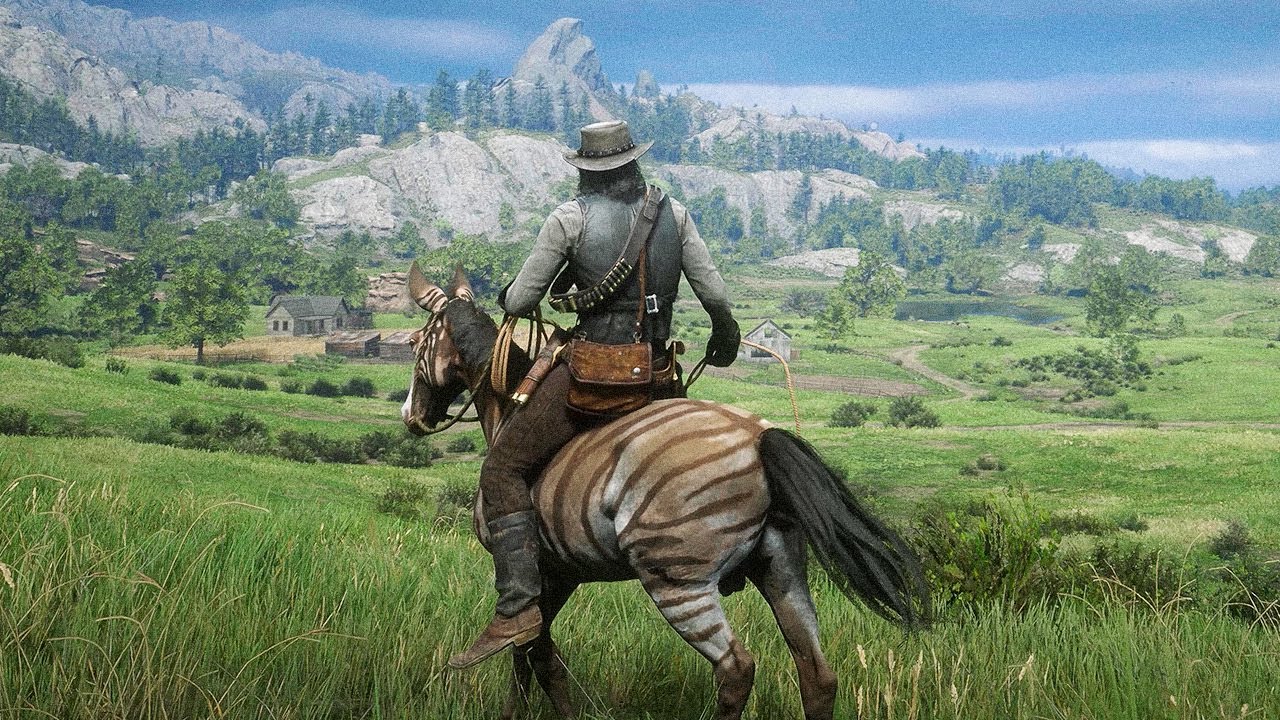
Mods can dramatically transform Red Dead Redemption 2 by adding new features, improving graphics, unlocking hidden mechanics, or completely changing how the game feels. From realistic survival mechanics to cheat menus, enhanced graphics, and role-play tools, mods allow players to shape the game to their liking.
In this comprehensive guide, you’ll learn everything you need to know about installing mods in Red Dead Redemption 2, including preparation, required tools, step-by-step installation methods, troubleshooting, and best practices for safe modding. Whether you’re a beginner or an experienced modder, this guide will help you get started with confidence.
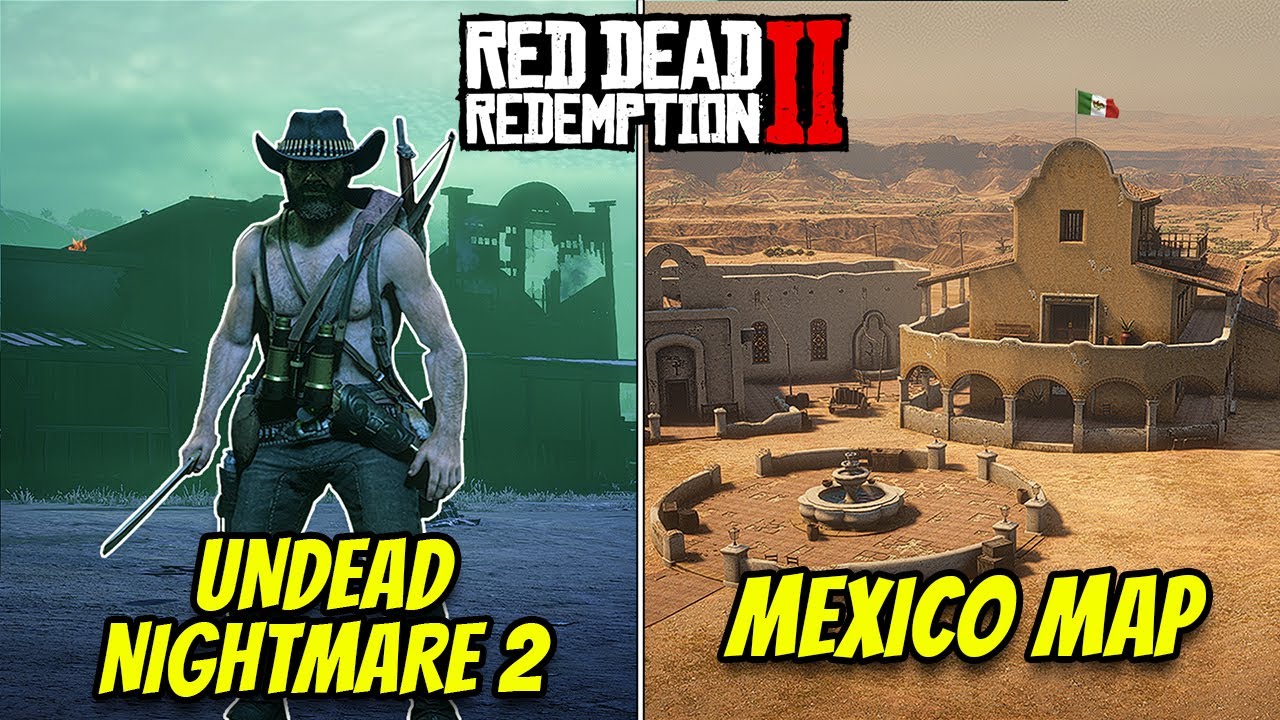
Trusted Websites to Download RDR2 Mods
- Nexus Mods – The largest and most trusted platform for Red Dead Redemption 2 mods.
- RDR2Mods.com – A community-driven website dedicated entirely to RDR2 modding.
- GitHub – Many open-source RDR2 mods, ScriptHook tools, and experimental projects are hosted here.
- RDR2 Modding Discord Communities – Mod developers often share beta versions, updates, and support through Discord servers.
Access via invite links
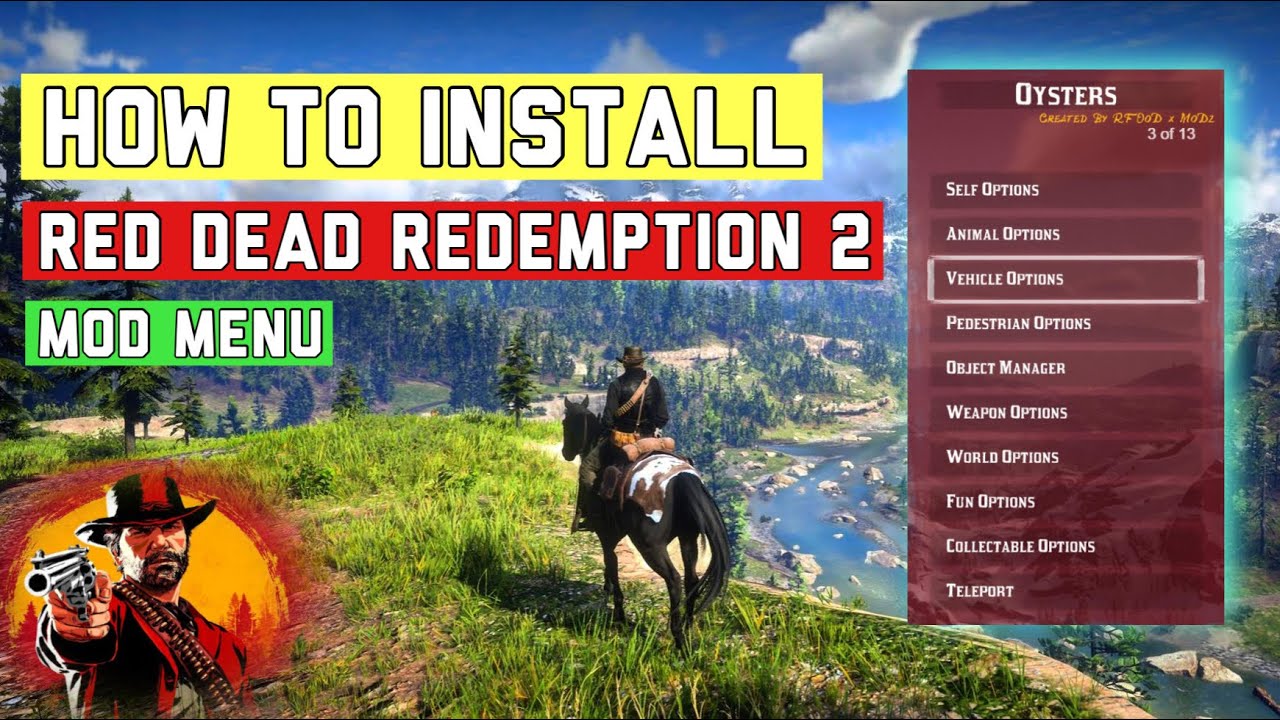
1. What Are RDR2 Mods?
Mods (short for modifications) are user-created files that alter or enhance the base game. In Red Dead Redemption 2, mods can:
-
Add new gameplay mechanics
-
Improve graphics and lighting
-
Unlock hidden content
-
Introduce cheat menus and trainers
-
Modify weapons, horses, and NPC behavior
-
Enable role-play features
-
Improve realism and immersion
RDR2 mods are created by the community and are only supported on the PC version of the game. Consoles such as PlayStation and Xbox do not support modding.
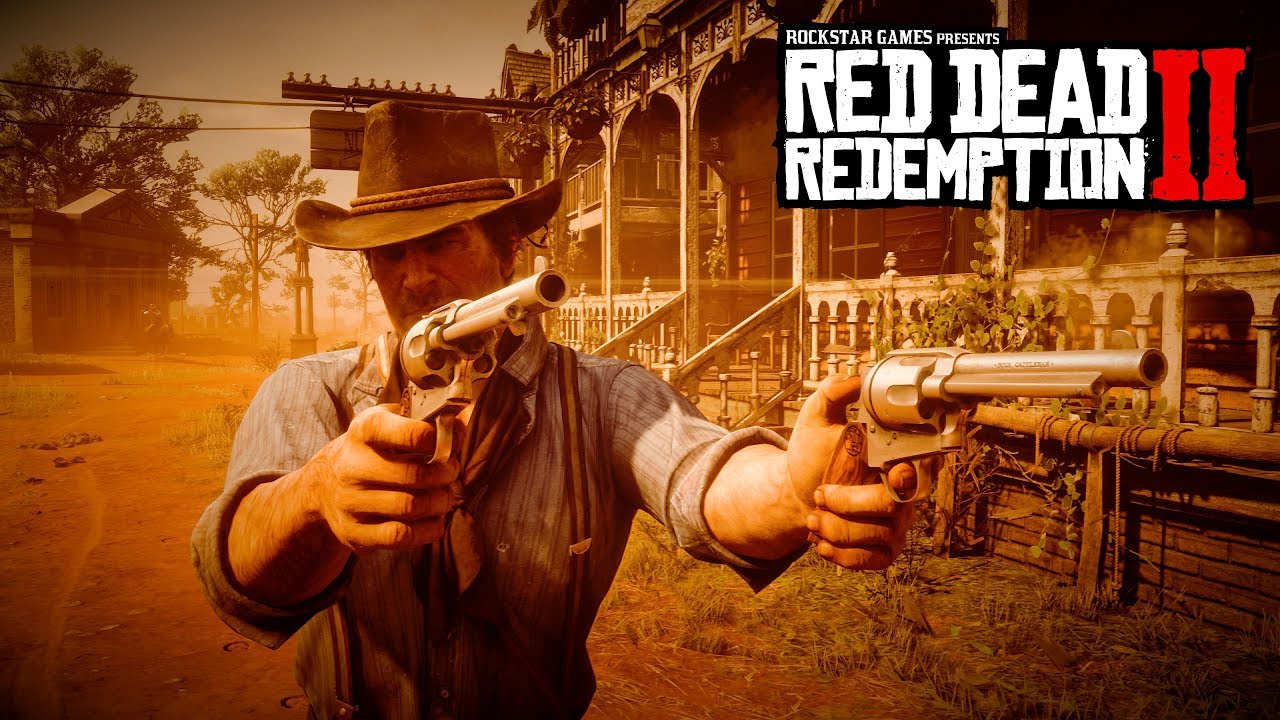
2. Is Modding Red Dead Redemption 2 Safe?
Yes, modding RDR2 is generally safe as long as you follow basic precautions:
-
Download mods only from trusted websites
-
Avoid suspicious files or unknown sources
-
Always read the mod description and installation instructions
-
Back up your game files before modding
However, Rockstar does not officially support mods, so you are responsible for any issues that may arise.
3. Single Player vs Online Modding (Important Warning)
This is extremely important:
🚫 Never use mods in Red Dead Online
Using mods in Red Dead Online can result in:
-
Temporary bans
-
Permanent account suspension
-
Loss of progress and items
✅ Mods are strictly for Story Mode (Single Player)
Before launching the game with mods:
-
Make sure you are offline
-
Disable Red Dead Online access if possible
4. Requirements for Modding RDR2 on PC
Before installing mods, ensure you meet the following requirements:
-
PC version of Red Dead Redemption 2 (Steam, Epic Games, or Rockstar Launcher)
-
Windows 10 or Windows 11 (64-bit)
-
Basic knowledge of file management
-
File extraction software (WinRAR or 7-Zip)
-
Administrative access to your PC
5. Best Websites to Download RDR2 Mods
Always download mods from reputable platforms to avoid malware or corrupted files.
Recommended Mod Sites:
-
Nexus Mods – The most popular and trusted modding site
-
RDR2Mods.com
-
GitHub (for advanced scripts and tools)
Avoid random download sites or YouTube links with shortened URLs.
6. Essential Tools for RDR2 Modding
Most RDR2 mods require additional tools to function properly. These are considered essential:
1. Script Hook RDR2
Required for most script-based mods.
2. Lenny’s Mod Loader (LML)
A mod manager that makes installing and organizing mods much easier.
3. ASI Loader
Allows the game to load .asi mod files.
7. How to Install Script Hook RDR2
Script Hook RDR2 is the foundation of RDR2 modding.
Step-by-Step Installation:
-
Download Script Hook RDR2 from a trusted source
-
Extract the archive using WinRAR or 7-Zip
-
Locate your RDR2 installation folder
(Example:Red Dead Redemption 2) -
Copy the following files into the main game directory:
-
ScriptHookRDR2.dll -
dinput8.dll
-
-
Launch the game to confirm it loads correctly
If the game crashes, verify your game version matches the Script Hook version.

8. How to Install Lenny’s Mod Loader (LML)
Lenny’s Mod Loader simplifies mod installation and reduces conflicts.
Installation Steps:
-
Download LML
-
Extract the files
-
Copy the
lmlfolder andModManager.exeinto your RDR2 directory -
Launch
ModManager.exe -
Set your game directory if prompted
Once installed, LML creates a dedicated mod folder, making mod management easier.
9. Manual Mod Installation (Step by Step)
Some mods require manual installation.
General Manual Installation Process:
-
Download the mod
-
Extract the archive
-
Read the README or description
-
Copy files into the specified folders:
-
.asifiles → RDR2 root directory -
.luaor.jsfiles → Script folders
-
-
Launch the game and test the mod
Always install one mod at a time to identify conflicts easily.
10. Installing Mods Using LML
LML-compatible mods are the easiest to install.
Steps:
-
Download an LML-compatible mod
-
Extract the mod folder
-
Place it inside:
Red Dead Redemption 2 / lml / -
Open LML Mod Manager
-
Enable the mod
-
Launch the game
LML allows you to enable or disable mods without deleting files.
11. Installing ASI Mods
ASI mods usually include cheat menus, trainers, or advanced scripts.
Steps:
-
Ensure ASI Loader is installed
-
Download the ASI mod
-
Copy the
.asifile into the main RDR2 directory -
Launch the game
Popular ASI mods include:
-
Rampage Trainer
-
Simple Trainer
-
Enhanced Native Trainer
12. Installing Texture and Graphics Mods
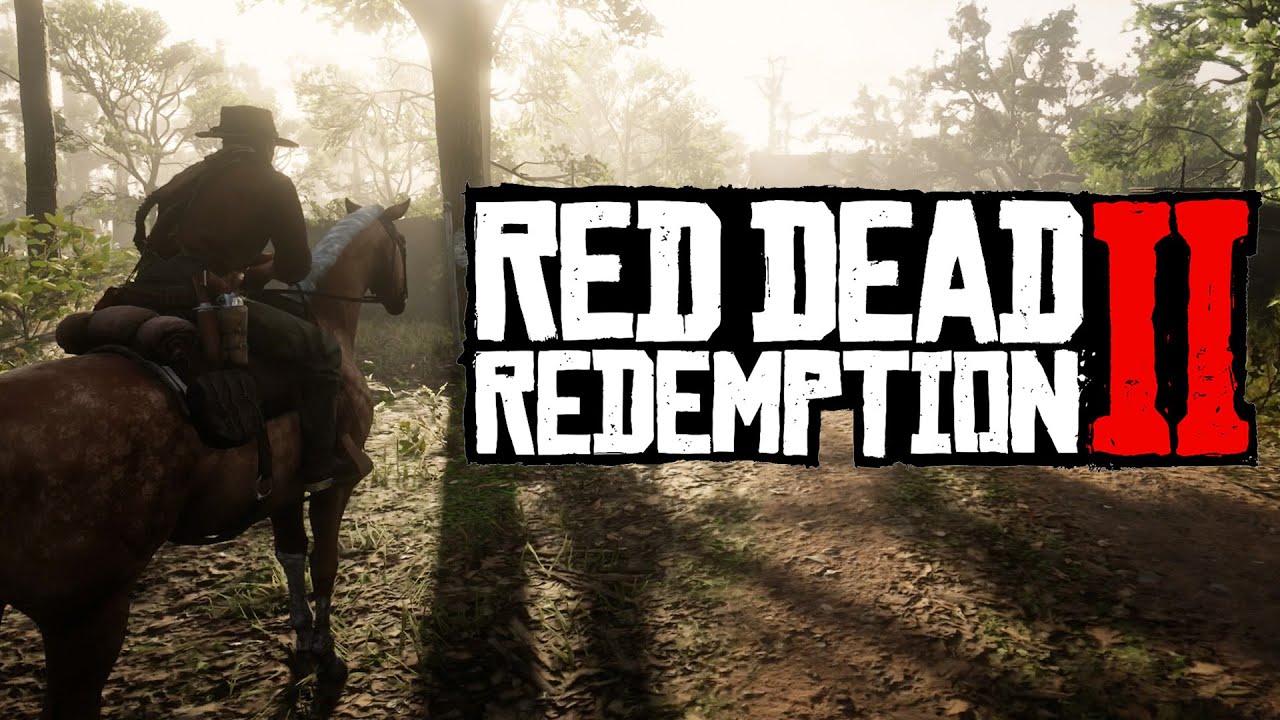
Graphics mods enhance lighting, textures, shadows, and weather.
Common Types:
-
Reshade presets
-
Texture replacements
-
Lighting overhauls
Installation Tips:
-
Follow instructions carefully
-
Backup original files
-
Avoid combining multiple graphics mods unless confirmed compatible
Some graphics mods may significantly impact performance.
13. How to Manage and Organize Mods
Good mod management prevents crashes and conflicts.
Best Practices:
-
Use LML whenever possible
-
Keep a list of installed mods
-
Install mods one by one
-
Avoid outdated mods after game updates
-
Backup your game directory regularly
14. Common Modding Errors and Fixes
Game Crashes on Startup
-
Update Script Hook
-
Remove recently installed mods
-
Verify game files
Mods Not Working
-
Check mod compatibility
-
Ensure required tools are installed
-
Confirm correct file paths
Infinite Loading Screen
-
Disable conflicting mods
-
Clear cache files
-
Reinstall LML
15. How to Update or Remove Mods Safely
Removing Mods:
-
Delete the mod files
-
Disable via LML if applicable
-
Restart the game
Updating Mods:
-
Remove old version first
-
Install updated version
-
Check changelog for new requirements
16. Performance Optimization When Using Mods
Mods can affect performance, especially graphics mods.
Optimization Tips:
-
Lower in-game graphics settings
-
Avoid unnecessary mods
-
Monitor FPS using tools
-
Use optimized texture packs
17. Frequently Asked Questions (FAQ)
Q: Can I mod RDR2 on Steam, Epic, or Rockstar Launcher?
Yes, all PC versions support modding.
Q: Do mods disable achievements?
No, achievements still work in Story Mode.
Q: Can mods corrupt my save files?
Rarely, but always back up saves.
Q: Are mods legal?
Mods are allowed in single-player but not officially supported.
18. Final Thoughts on RDR2 Modding
Modding Red Dead Redemption 2 opens up endless possibilities. Whether you want deeper realism, cinematic visuals, new gameplay mechanics, or total freedom through trainers, mods allow you to tailor the experience exactly to your taste.
As long as you:
-
Mod only in Story Mode
-
Use trusted sources
-
Follow installation instructions carefully
You can enjoy a stable, immersive, and unforgettable RDR2 experience far beyond the vanilla game.
Take your time, experiment responsibly, and transform the Wild West into your own frontier 🤠