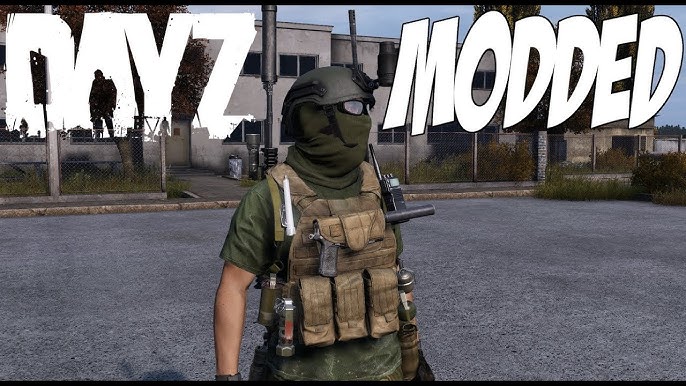
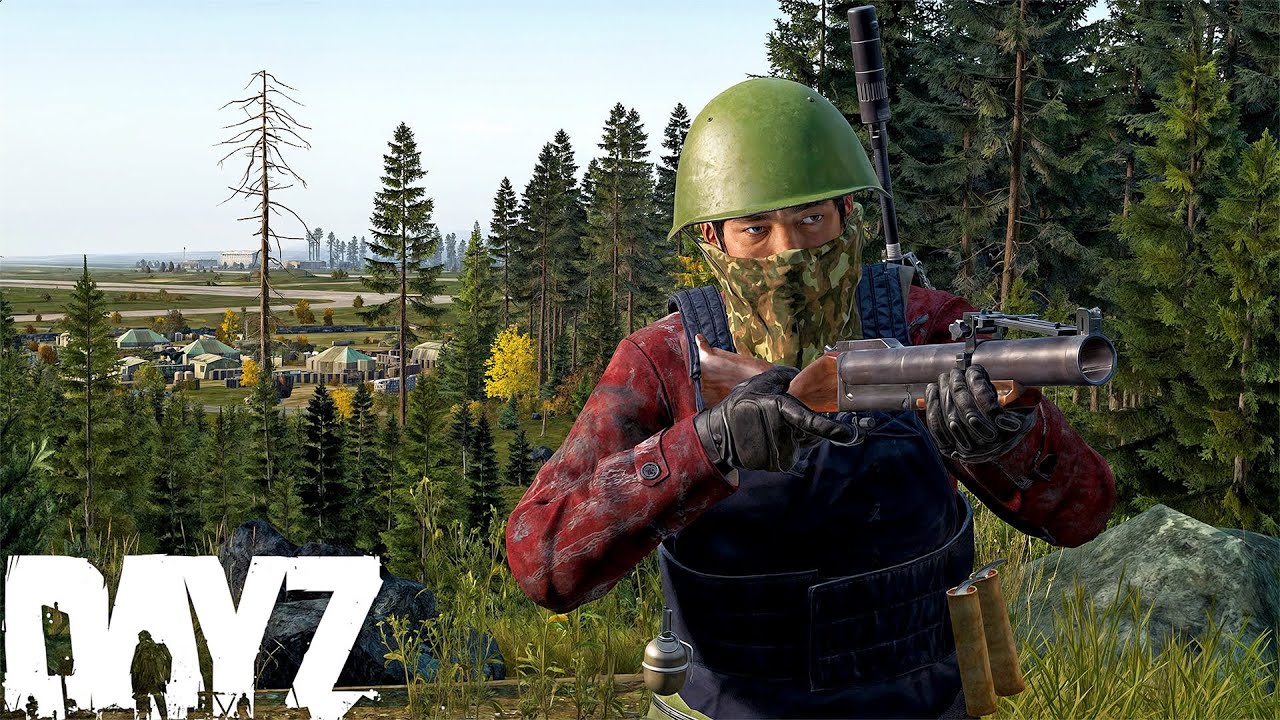
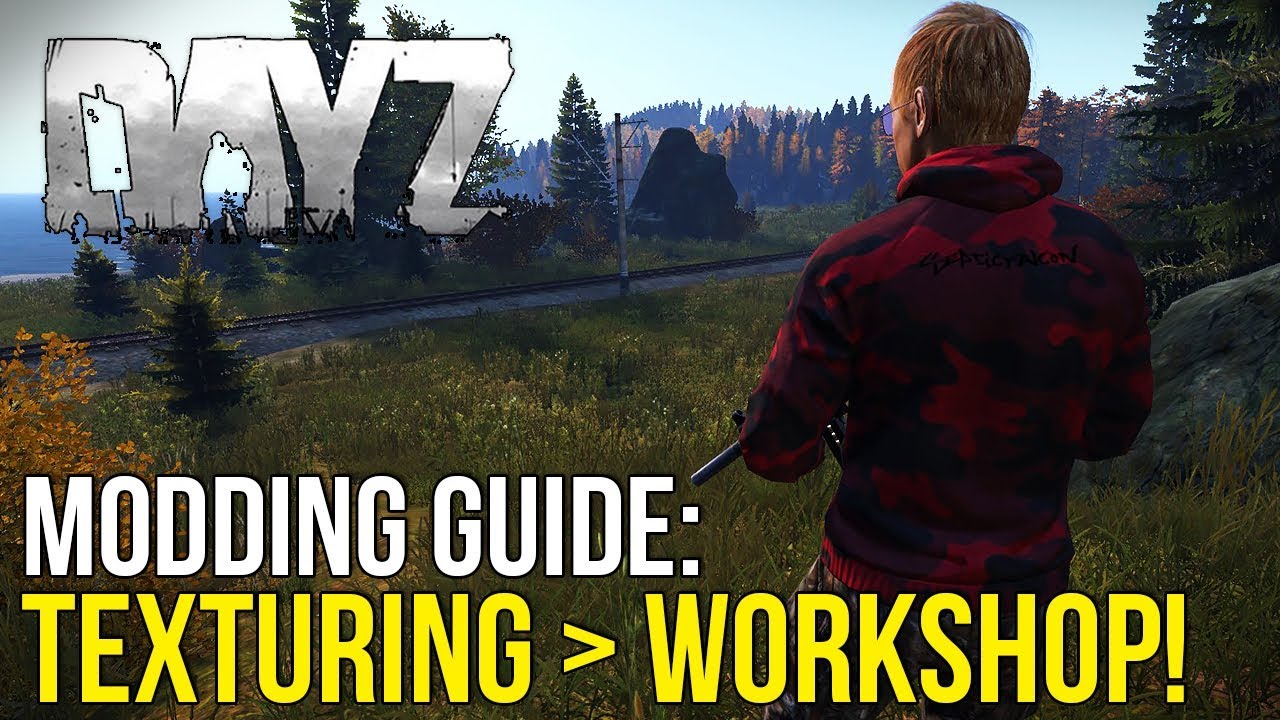
DayZ is one of the most immersive survival games ever created, and thanks to its active modding community, the experience can be expanded far beyond the vanilla game.
With the right mods, DayZ becomes a completely different survival experience — with new maps, weapons, mechanics, vehicles, and gameplay systems.
In this complete guide, you will learn:
DayZ mods are custom modifications created by the community that expand or change the gameplay. Unlike The Sims, DayZ mods are mostly used through community servers.
Mods can add:
New maps (Namalsk, Deer Isle)
Weapons and military gear
Vehicles and helicopters
Base building systems
Economy and trader systems
Survival mechanics
Important: Most DayZ mods are server-based, meaning you automatically download them when joining a modded server.
Best Websites to Download DayZ Mods
Always download mods from trusted sources to avoid broken files or malware.
Platform
Description
Link
Steam Workshop
Main source for all DayZ mods
https://steamcommunity.com/app/221100/workshop/
DZSA Launcher
Automatic mod installer & server browser
https://dayzsalauncher.com
GitHub (Advanced)
Some mods hosted manually
https://github.com
System Requirements for Modded DayZ
Running modded DayZ requires more powerful hardware than vanilla servers.
Component
Minimum
Recommended
CPU
Intel i5
Intel i7 / Ryzen 7
RAM
8 GB
16 GB+
GPU
GTX 1050
GTX 1660 / RTX series
Storage
50 GB
SSD strongly recommended
Tip: Modded servers load much faster on SSD compared to HDD.
How to Install DayZ Mods (Step-by-Step)
Method 1: Using Steam Workshop
Open Steam
Go to DayZ Workshop
Click “Subscribe” on a mod
Launch DayZ
Enable mods in Launcher → Mods tab
Method 2: Using DZSA Launcher (Recommended)
Download DZSA Launcher
Open the launcher
Select a modded server
Click “Join”
Mods will download automatically
Pro Tip: DZSA Launcher is the easiest way to install and manage DayZ mods.
Best DayZ Mods (Must-Have Mods)
CF (Community Framework)
DZAI (AI Enemies)
Trader Mod
Base Building Plus
Helicopter Mod
Namalsk Map
Common DayZ Mod Errors and Fixes
Mods Not Loading
Verify game files
Check mod dependencies
Restart launcher
Version Mismatch Error
Update mods in Steam Workshop
Restart Steam
Server Connection Failed
Ensure all required mods are installed
Use DZSA Launcher
Things to Be Careful About
Do not mix incompatible mods
Always use updated mods
Avoid unknown download sources
Check server mod list before joining
Pro Tips for DayZ Modding
Use DZSA Launcher for stability
Join active modded servers
Keep mods updated
Use SSD for faster loading
Pro Tip: Most experienced players prefer modded servers for better loot systems and gameplay balance.
FAQ – DayZ Mods
Are DayZ mods safe?
Yes, if downloaded from Steam Workshop or trusted sources.
Do mods install automatically?
Yes, when joining modded servers using DZSA Launcher or Steam.
Why can’t I join modded servers?
You may be missing required mods or using outdated versions.
DayZ mods significantly enhance the survival experience by adding new content, mechanics, and realism. Whether you’re looking for hardcore survival or PvP-focused gameplay, mods allow you to tailor the game to your style.
By following this guide, you now understand how to install, manage, and troubleshoot DayZ mods effectively.
Once you start playing on modded servers, it’s hard to go back to vanilla DayZ.