



Roblox modding has become one of the most exciting entry points into game creation. Unlike traditional game development, Roblox gives creators a platform where they can build, test, publish, and improve interactive experiences without needing a huge studio budget. Whether you want to make a custom map, build a game mode, script gameplay systems, or design a polished user interface, Roblox offers a beginner-friendly but powerful environment to make it happen. 🚀
In this complete guide, you will learn what Roblox modding really means, how to get started with Roblox Studio, which tools and skills matter most, and how to create a high-quality project that players will actually enjoy. This article is written for beginners, but it also includes practical advice that intermediate creators can use to improve their workflow.
What Is Roblox Modding?
Roblox modding usually refers to modifying, customizing, or creating game content within the Roblox ecosystem. In practice, most creators use the term to describe building Roblox experiences, scripting mechanics, editing maps, adding custom systems, and improving gameplay through code and design.
Unlike classic “modding” in some other games, Roblox creation is not limited to editing an existing game. In many cases, you are building a full experience from scratch inside Roblox Studio. That means Roblox modding can include:
- Creating custom maps and environments
- Building tools, weapons, vehicles, or interactive objects
- Writing gameplay systems with Lua
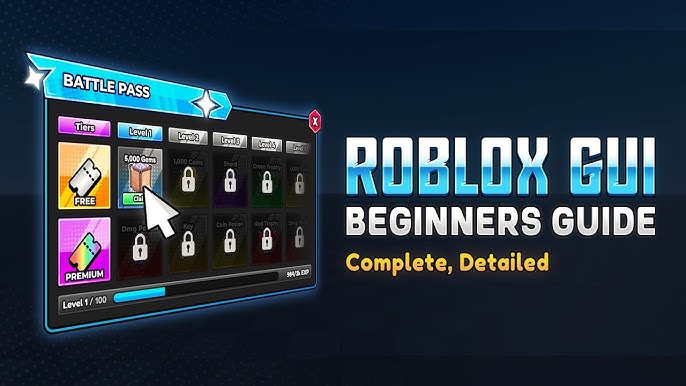
- Designing user interfaces
- Adding progression, shops, quests, and inventories
- Optimizing performance for mobile and low-end devices
- Publishing and updating your own Roblox experience
In short, Roblox modding is a mix of level design, programming, game systems design, and live service thinking.
Why Roblox Modding Is Worth Learning
There are several reasons why Roblox modding is a smart skill to develop:
- Low barrier to entry: You can start with free tools.
- Fast iteration: Test changes quickly inside Roblox Studio.
- Real audience: Players can discover and play your work.
- Beginner-friendly scripting: Lua is easier to learn than many other programming languages.
- Creative freedom: You can build obbies, tycoons, roleplay worlds, simulators, adventure games, and much more.
- Team opportunities: Builders, scripters, UI designers, animators, and sound designers can collaborate.
For students, hobbyists, and aspiring developers, Roblox can also serve as a practical introduction to game design, coding logic, problem-solving, and digital product thinking.
What You Need to Start Roblox Modding
Before jumping into advanced systems, you need a simple setup:
| Requirement | Why It Matters | Beginner Advice |
|---|---|---|
| Roblox Account | Needed to create and publish experiences | Use a dedicated creator account if possible |
| Roblox Studio | Main development environment | Install the latest version and keep it updated |
| Basic Lua Knowledge | Needed for scripting logic | Start with variables, functions, loops, and events |
| Patience | Game systems take time to polish | Build small projects first |
| Testing Mindset | Most issues appear during playtesting | Test often, not only at the end |
You do not need to master every part of Roblox Studio on day one. In fact, many successful creators start by focusing on just one area, such as building maps or writing basic scripts.
Understanding Roblox Studio
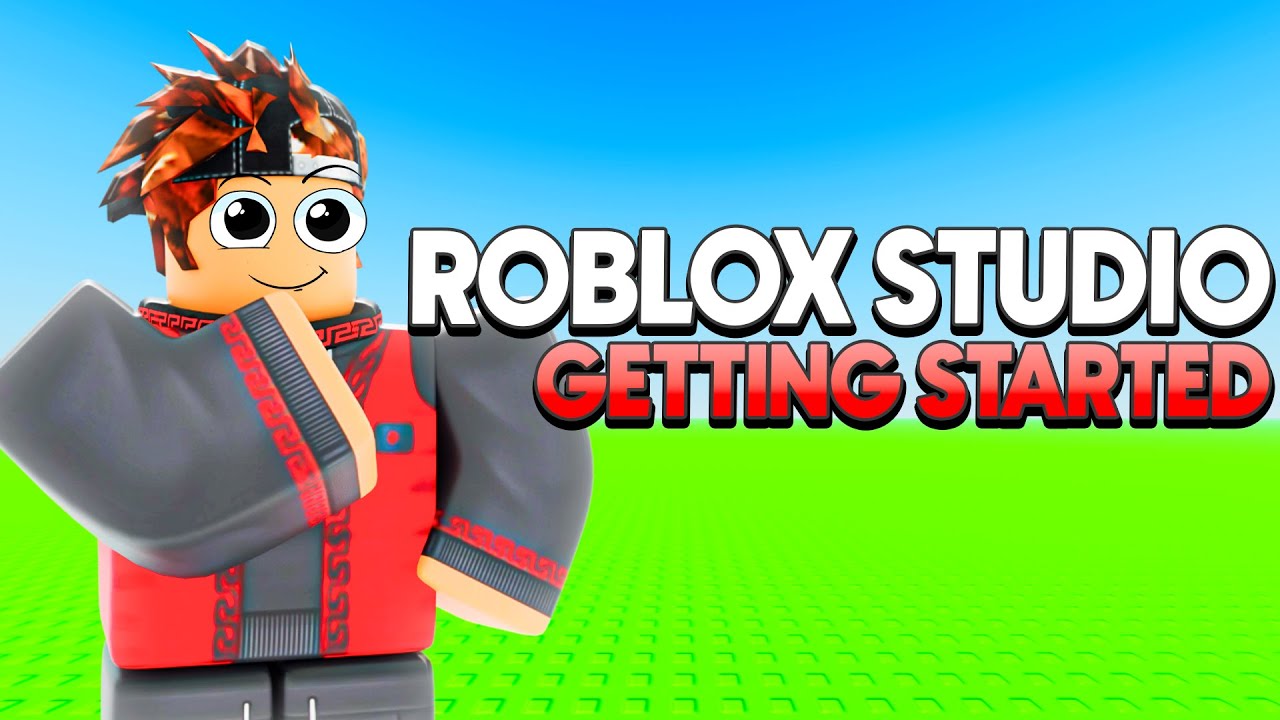
Roblox Studio is the main tool used for Roblox modding and development. It combines scene editing, scripting, asset management, testing, and publishing in one workspace.
The most important parts of Roblox Studio for beginners are:
1. Explorer
The Explorer shows the structure of your game. It contains objects such as Workspace, Players, ReplicatedStorage, StarterGui, ServerScriptService, and more. Learning where things belong is essential for keeping your project organized.
2. Properties
The Properties panel lets you edit values for selected objects, such as size, color, transparency, position, anchoring, and behavior-related settings.
3. Toolbox
The Toolbox contains models, images, audio, and plugins. It can save time, but beginners should be cautious. Some free models contain messy structures or bad scripts.
4. Script Editor
This is where you write Lua code. Start with short and simple scripts. Readability matters more than trying to look advanced.
5. Viewport
The main 3D scene where you build maps, place objects, and test layouts.
6. Test Tab
Use testing tools frequently. You should test movement, interactions, UI flow, collisions, spawn logic, and basic performance as early as possible.
Pro Tip: Treat Roblox Studio like a professional workspace from the beginning. Name your parts, group related objects, and keep folders organized. Clean projects are easier to debug, scale, and update.
Roblox Modding vs Roblox Game Development
Some people use “Roblox modding” and “Roblox game development” interchangeably. That is mostly fine in casual discussions, but there is a useful distinction:
| Term | Meaning | Typical Example |
|---|---|---|
| Roblox Modding | Customizing or building mechanics, maps, systems, or content inside Roblox | Adding a custom quest system or editing a game environment |
| Roblox Game Development | Creating a full experience with design, scripting, UI, testing, monetization, and updates | Publishing a complete tycoon or adventure game |
In real-world creator workflows, the skills overlap heavily. So if your goal is “modding,” you are also learning real game development skills.
Core Skills You Should Learn First
Roblox modding becomes much easier when you focus on a few foundational skills instead of trying to learn everything at once.
Lua Scripting
Lua is the scripting language used in Roblox. It controls gameplay logic, interactions, animations, UI behavior, and more. Important beginner topics include:
- Variables and data types
- If statements and conditions
- Functions
- Loops
- Events
- Tables
- Basic client-server understanding
Building and Level Design
A great idea can still fail if the map feels confusing or empty. Learn how to place objects with purpose, guide players visually, and build spaces that match the game’s goals.
User Interface Design
Good UI makes a Roblox game feel polished. Players should understand menus, buttons, rewards, health, quests, and progression without confusion.
Optimization
Roblox games often attract players on different devices, including mobile. You need to think about performance early, not just after problems appear.
Testing and Balancing
Even simple systems need testing. A weapon might feel overpowered, a quest might be unclear, or a shop price might break progression.
How to Start Your First Roblox Modding Project
The best first project is not a giant open-world game. Start small and finish something playable.
Good beginner project ideas include:
- A short obby with checkpoints
- A simple clicker system
- A wave survival arena
- A scavenger hunt game
- A tiny roleplay map with interactable objects
When planning your first project, answer these questions:
- What does the player do in the first 30 seconds?
- What is the main gameplay loop?
- What makes the experience fun or rewarding?
- Can you realistically finish a basic version in a short time?
A useful formula is this: simple core mechanic + clear goal + small polished map.
Pro Tip: A small finished project teaches more than a huge unfinished dream game. Scope is one of the biggest reasons beginner Roblox projects fail.
Building Your Environment the Smart Way
Map design is one of the most visible parts of Roblox modding. Players notice environment quality immediately. However, “quality” does not mean filling every area with random detail. It means purposeful design.
Use Visual Hierarchy
Guide the player’s attention with contrast, lighting, scale, and placement. Important doors, objectives, and interactable objects should stand out naturally.
Keep Navigation Clear
If players get lost for the wrong reasons, they will leave. Use paths, landmarks, signs, lighting, and shape language to guide movement.
Avoid Empty Space Without Purpose
Large empty zones can make a game feel unfinished unless emptiness is part of the mood or gameplay design.
Reuse Assets Intelligently
Repeating similar objects is normal, but vary scale, rotation, and placement so environments do not feel copy-pasted.
Match Style Consistently
Choose a visual identity. Low-poly, realistic, colorful cartoony, futuristic, spooky, or minimalist styles can all work if they are consistent.
A Beginner-Friendly Lua Mindset
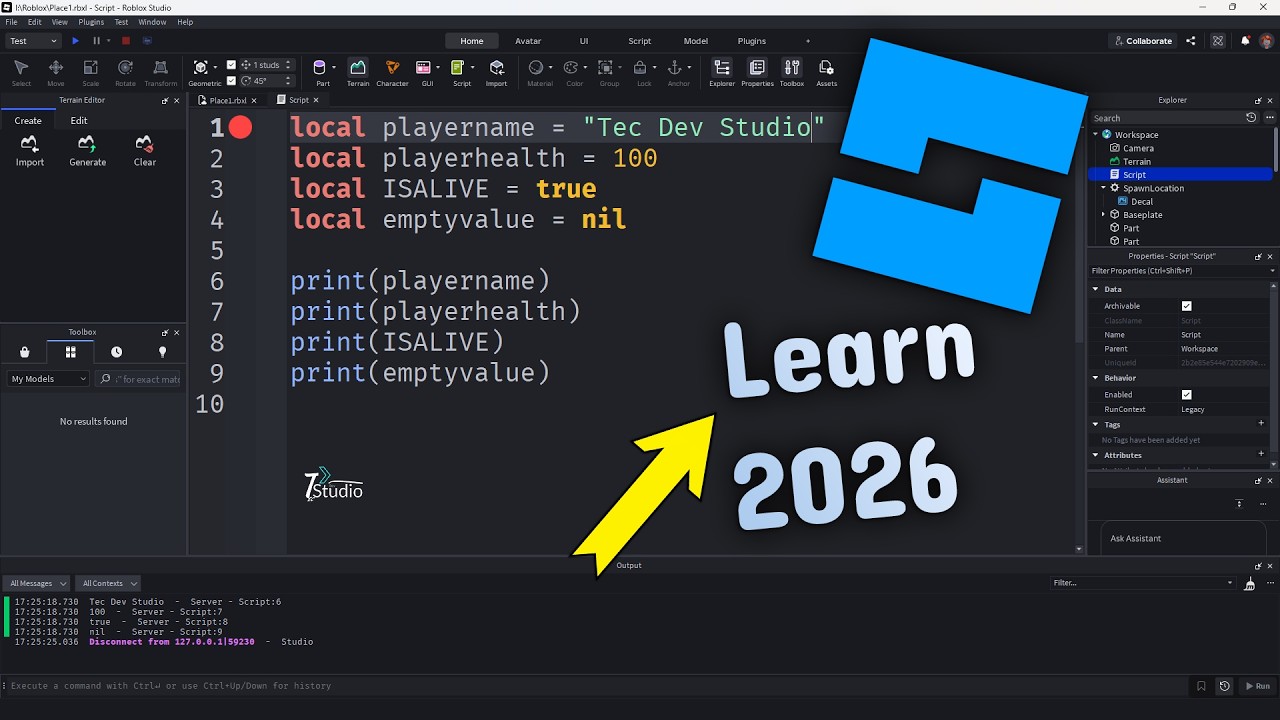
Many new creators get stuck because they try to memorize code instead of understanding logic. The goal is not to copy random scripts. The goal is to know why a script behaves the way it does.
For example, most Roblox systems follow this simple pattern:
- Wait for something to happen
- Check if conditions are true
- Run a function
- Update the game state or UI
That pattern appears in doors, shops, quests, damage systems, checkpoints, coins, and more.
As you learn scripting, focus on:
- Reading scripts slowly
- Changing one thing at a time
- Testing after every change
- Using clear variable names
- Breaking large scripts into small functions
Clean logic is more valuable than “fancy” code. If your code is readable, future-you will thank you.
Understanding Client and Server Basics
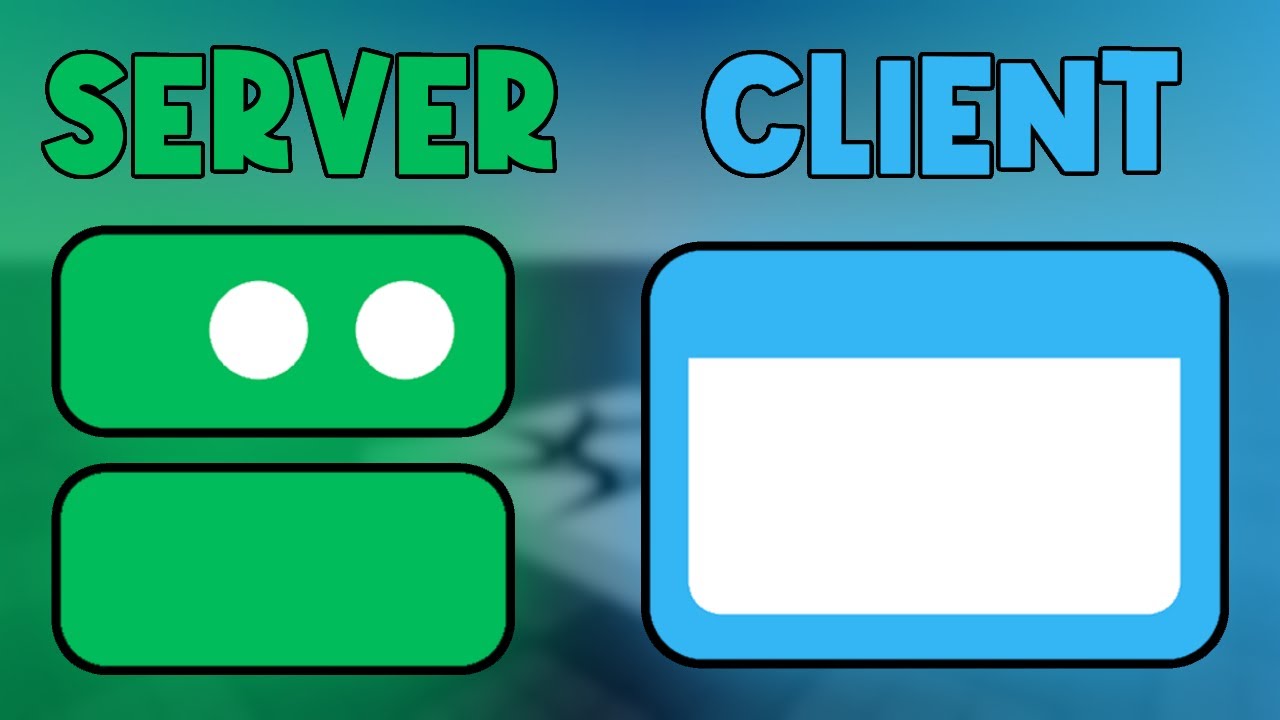
One of the most important Roblox modding concepts is the difference between client-side and server-side logic.
| Side | Main Role | Common Uses |
|---|---|---|
| Client | Handles what an individual player sees and interacts with locally | UI updates, camera effects, local visuals, input detection |
| Server | Handles shared game state and authoritative gameplay logic | Leaderboards, item rewards, enemy behavior, saving data |
If you put the wrong logic in the wrong place, you may create bugs, exploits, or inconsistent gameplay. A good beginner rule is this: if it affects all players or important game state, the server should control it.
Pro Tip: Never trust the client with important rewards, currency, or progression. If players can fake it locally, some of them eventually will.
Designing a Good Gameplay Loop
A polished Roblox mod is not just a collection of features. It needs a gameplay loop. That means a repeatable pattern of actions that feels satisfying.
Here is a simple example of a loop for a survival game:
- Spawn into arena
- Defeat enemies
- Earn coins
- Buy upgrades
- Survive longer
- Unlock harder waves
Here is an example for a simulator:
- Click or collect resources
- Earn currency
- Upgrade tools or multipliers
- Access new zones
- Repeat with stronger progression
Your job as a creator is to make each loop understandable and rewarding. If players do not know what to do next, the loop is weak. If rewards feel too slow or too fast, the loop becomes boring or broken.
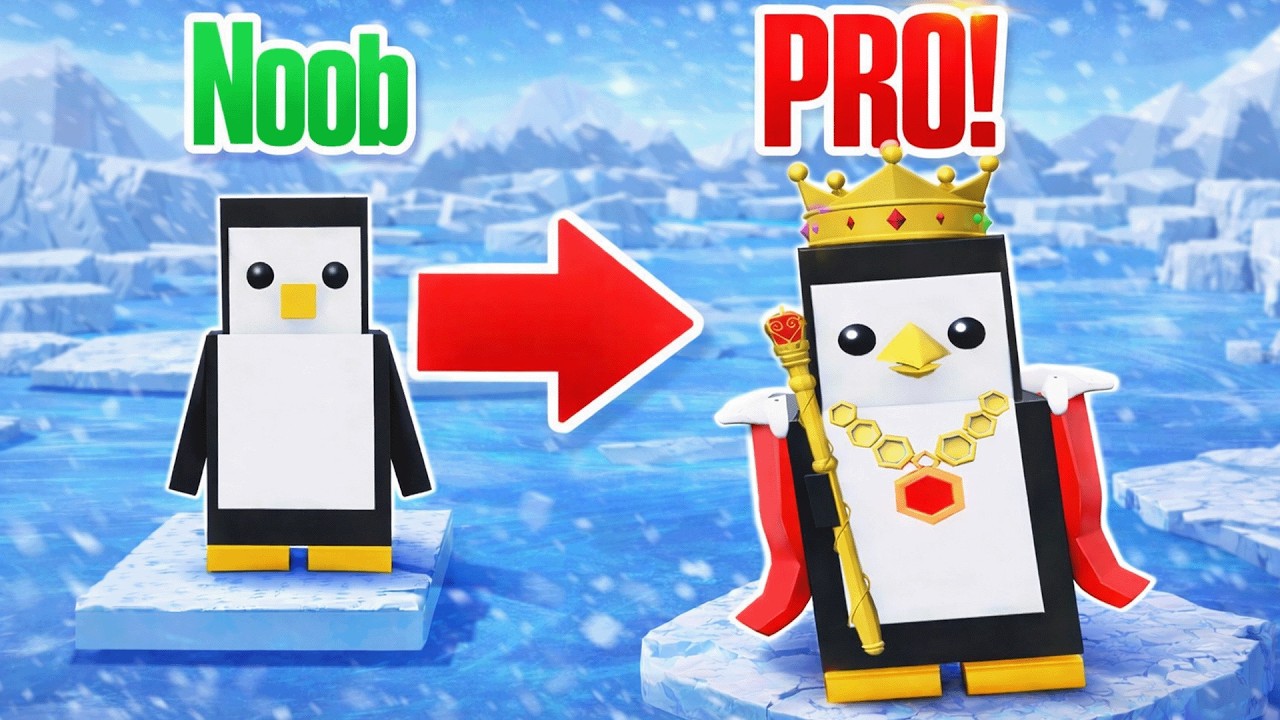
How to Make Your Roblox Mod Feel Professional
Many beginner projects technically work but still feel unfinished. That usually happens because polish is missing. Polish is not just visual detail. It is the collection of small improvements that make the experience smoother and more satisfying.
Add Clear Feedback
When players click a button, pick up an item, complete a quest, or take damage, they should receive immediate feedback through sound, animation, text, particles, or motion.
Improve Onboarding
Do not assume players understand your systems. Add short instructions, signs, beginner objectives, or lightweight tutorials.
Use Better UI Spacing
Messy UI can make a game feel low quality even when the mechanics are good. Keep layouts readable and avoid clutter.
Fix Small Frustrations
Bad spawn locations, unclear objectives, awkward camera moments, and unreliable hitboxes are all experience killers.
Make Goals Visible
Players stay engaged when they can see progress. Levels, currencies, milestones, unlocks, and achievements all help.
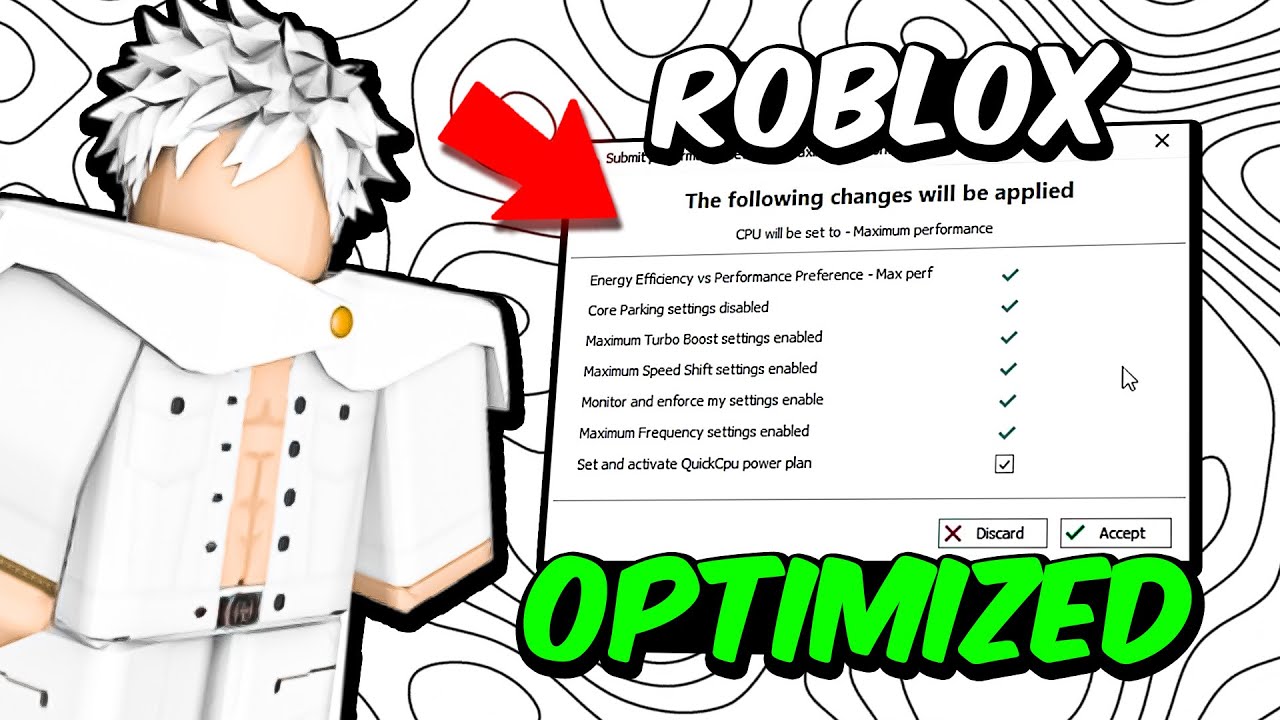
Optimization Tips for Roblox Modding
Performance matters because Roblox players use a wide range of devices. A game that runs badly will lose players quickly.
Here are practical optimization tips:
| Optimization Area | Problem | Better Approach |
|---|---|---|
| Too Many Parts | Can reduce performance | Combine where possible and simplify dense builds |
| Unnecessary Scripts | Can create lag and complexity | Remove old test scripts and merge repetitive logic |
| Heavy Effects | Particles and lighting can be expensive | Use effects intentionally, not everywhere |
| Bad Asset Use | Large or unoptimized assets slow loading | Use only what supports gameplay or atmosphere |
| Poor Testing | Issues go unnoticed until players complain | Test on different devices and graphics settings |
Optimization should be part of your workflow, not a last-minute panic step.
Should You Use Free Models?
This is one of the most common beginner questions in Roblox modding. The honest answer is: yes, but carefully.
Free models can help you prototype faster, especially if you are still learning. However, they can also create problems:
- Messy object hierarchies
- Unoptimized assets
- Broken scripts
- Security or exploit risks
- Visual inconsistency
A smart approach is to use free models only when you understand what they contain. Inspect scripts, rename objects, remove unnecessary parts, and adapt the asset to your project instead of dropping it in blindly.
Pro Tip: If you cannot explain what a model’s scripts do, do not publish it in your game yet. Prototype first, inspect later, and only keep what you trust.
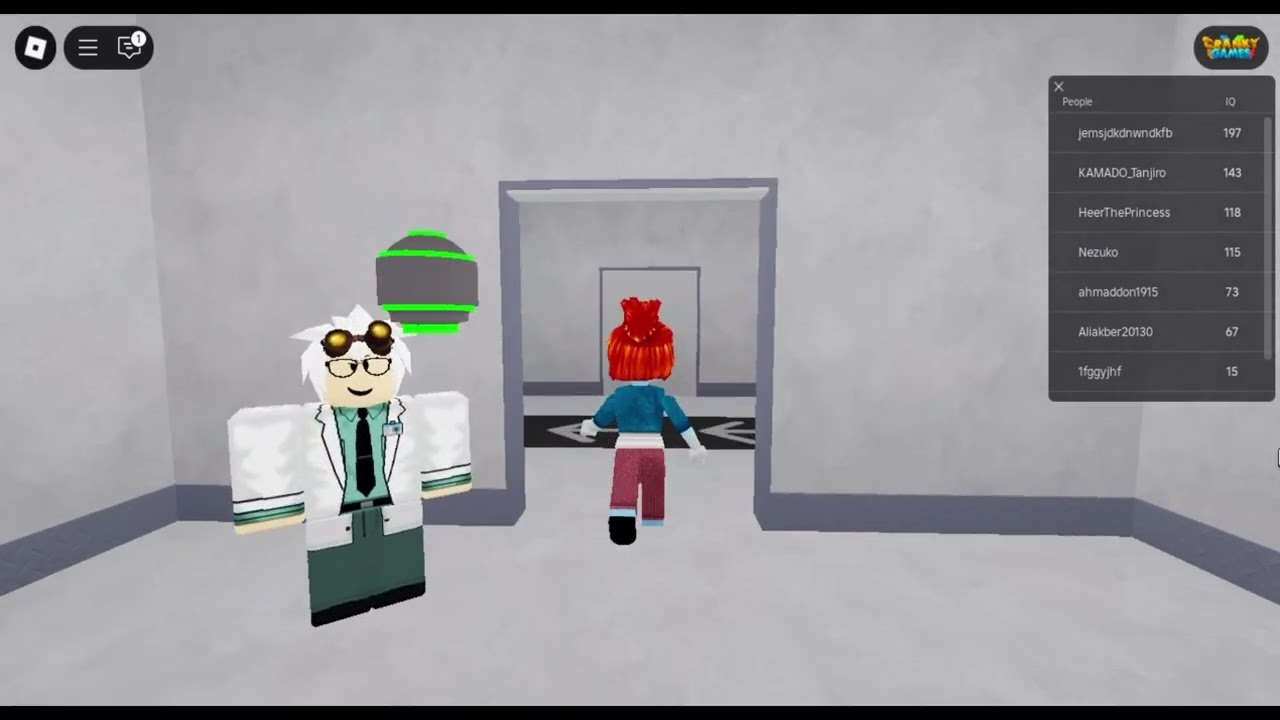
Testing Your Roblox Project Properly
Testing is where good Roblox mods become great. Many beginners only test whether something “works.” Strong creators test whether something is fun, clear, fair, and stable.
You should test for:
- Functionality: Does the mechanic work correctly?
- Clarity: Does the player understand what to do?
- Balance: Is the reward system fair?
- Flow: Does the game feel smooth from start to finish?
- Performance: Does it run well on different devices?
- Exploit resistance: Can players abuse weak systems?
Whenever possible, watch someone else play your project without helping them. Their confusion will reveal design problems faster than your own assumptions.
Common Roblox Modding Mistakes to Avoid
Most beginners run into the same issues. Avoiding them early will save you a lot of time.
1. Starting Too Big
Ambitious ideas are great, but giant scopes lead to burnout. Build a small version first.
2. Copying Without Understanding
Copy-pasted scripts may work temporarily, but they become impossible to fix later if you do not understand them.
3. Ignoring Organization
Bad naming and messy structure create long-term chaos.
4. Forgetting the Player Perspective
You know your own systems. New players do not. Always design for clarity.
5. Publishing Too Early
Players judge quickly. A rough first impression can reduce retention.
6. Overusing Monetization
Gamepasses and purchases should support the experience, not feel like a punishment for free players.
Monetization Without Ruining the Experience
If you eventually want to earn from your Roblox project, monetization should feel fair and thoughtful. The best monetization supports player enjoyment instead of damaging it.
Healthy monetization options can include:
- Cosmetic items
- Convenience boosts
- Private servers
- Optional passes with clear value
- Premium benefits that do not destroy balance
Try to avoid “pay or quit” design. If non-paying players feel punished, your community will suffer. Strong long-term Roblox experiences build trust first.
How to Publish a Better Roblox Experience
Publishing is more than pressing the publish button. Presentation matters a lot.
Write a Clear Title
Your game title should be easy to understand and searchable.
Create a Strong Thumbnail
Players often decide in seconds whether to click. Your thumbnail should be readable, visually focused, and connected to the actual gameplay.
Use a Good Description
Your description should explain what the game is, what players do, and why they should try it.
Update Regularly
Even small updates show that your project is alive. New content, bug fixes, and quality-of-life improvements all matter.
Listen to Feedback Carefully
Not every player suggestion is correct, but repeated complaints often point to real design issues.
A Simple Roadmap for Learning Roblox Modding
If you want a realistic path forward, follow this order:
- Learn Roblox Studio basics
- Build a small map
- Learn beginner Lua scripting
- Create one complete mechanic
- Add a basic UI
- Test and fix issues
- Optimize for performance
- Publish a small project
- Gather feedback
- Improve or start a better second project
This approach works because each project becomes a stepping stone. Your second or third project is often where everything starts to connect.
Best Practices for Long-Term Success
Roblox modding rewards creators who stay consistent and keep improving. Here are some long-term habits worth building:
- Finish small projects instead of collecting unfinished ones
- Keep learning scripting and design at the same time
- Study why successful games are fun, not just how they look
- Document your systems so they are easier to update
- Back up important work and use version-friendly habits
- Ask for feedback early from real players
- Be willing to cut features that do not improve the core loop
One of the biggest shifts in mindset is understanding that quality is usually the result of iteration. Rarely does a mechanic feel amazing on the first try. Testing, feedback, and refinement are what make a Roblox project stand out. ✨
Final Thoughts on Roblox Modding
Roblox modding is one of the most accessible ways to start building games, but accessibility should not be confused with simplicity. To create something players truly enjoy, you need more than random features. You need structure, clarity, good design decisions, clean scripting habits, and a willingness to improve over time.
If you are just starting, focus on small wins: learn the interface, build one playable map, script one satisfying interaction, and test constantly. Do not worry if your first project is not amazing. What matters is that you finish, learn, and build again.
The best Roblox creators are not the ones who begin with perfect skills. They are the ones who keep creating, keep refining, and keep thinking about the player experience.
Start small, build smart, and treat every project as practice for the next one. That is the real path to success in Roblox modding.
Frequently Asked Questions About Roblox Modding
Is Roblox modding good for beginners?
Yes. Roblox is one of the best beginner-friendly platforms for learning game creation because it combines accessible tools with real publishing opportunities.
Do I need to know coding for Roblox modding?
You can begin with building and design, but learning Lua scripting will greatly expand what you can create.
Can I make money from Roblox modding?
Yes, but only if your project offers value to players and uses fair monetization. Strong design should come before monetization.
What is the best first Roblox project?
A small, complete, testable game such as a short obby, clicker, or survival arena is usually better than a giant unfinished idea.
How long does it take to learn Roblox Studio?
You can learn the basics fairly quickly, but creating polished experiences takes ongoing practice in scripting, design, optimization, and testing.